
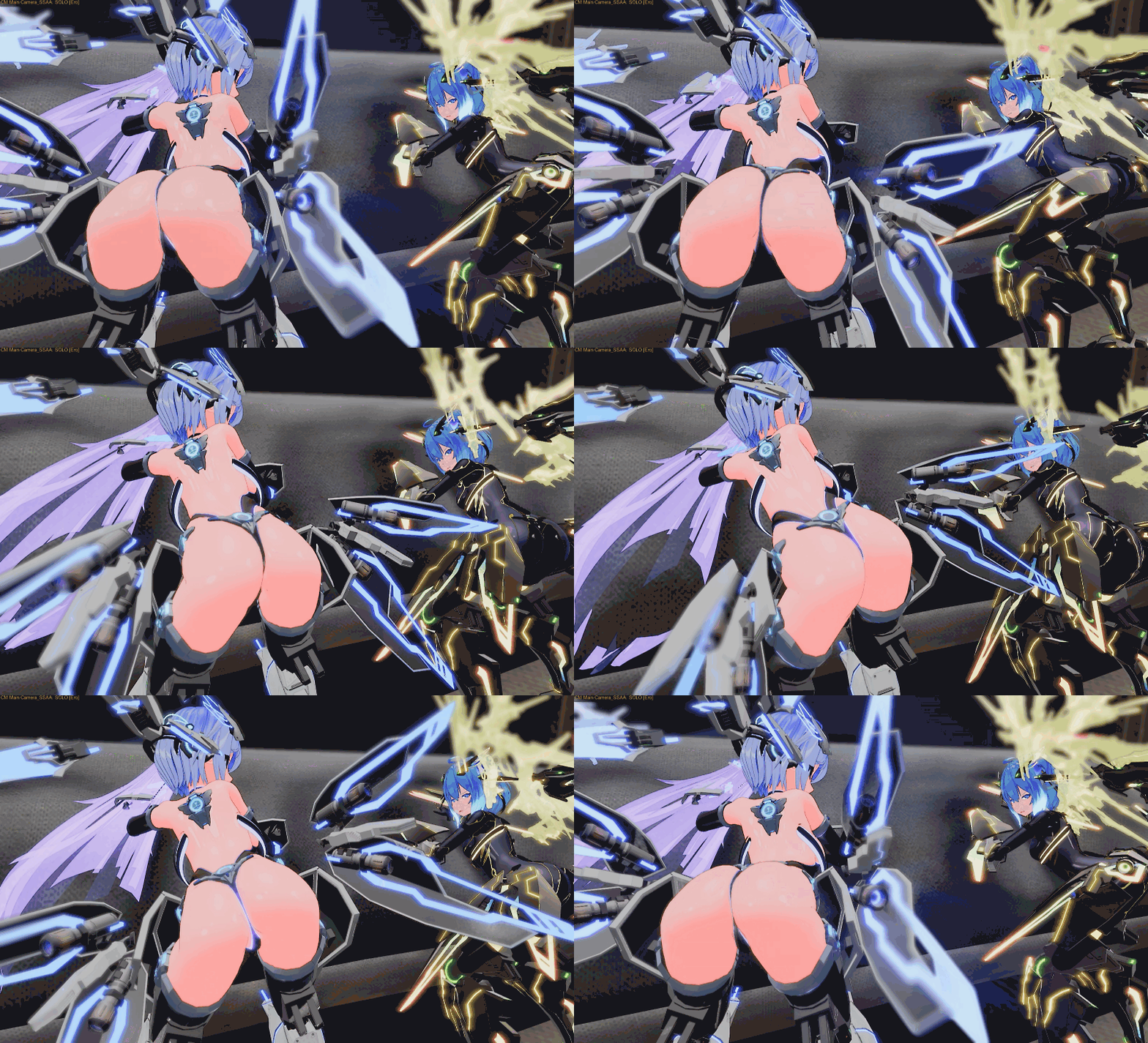
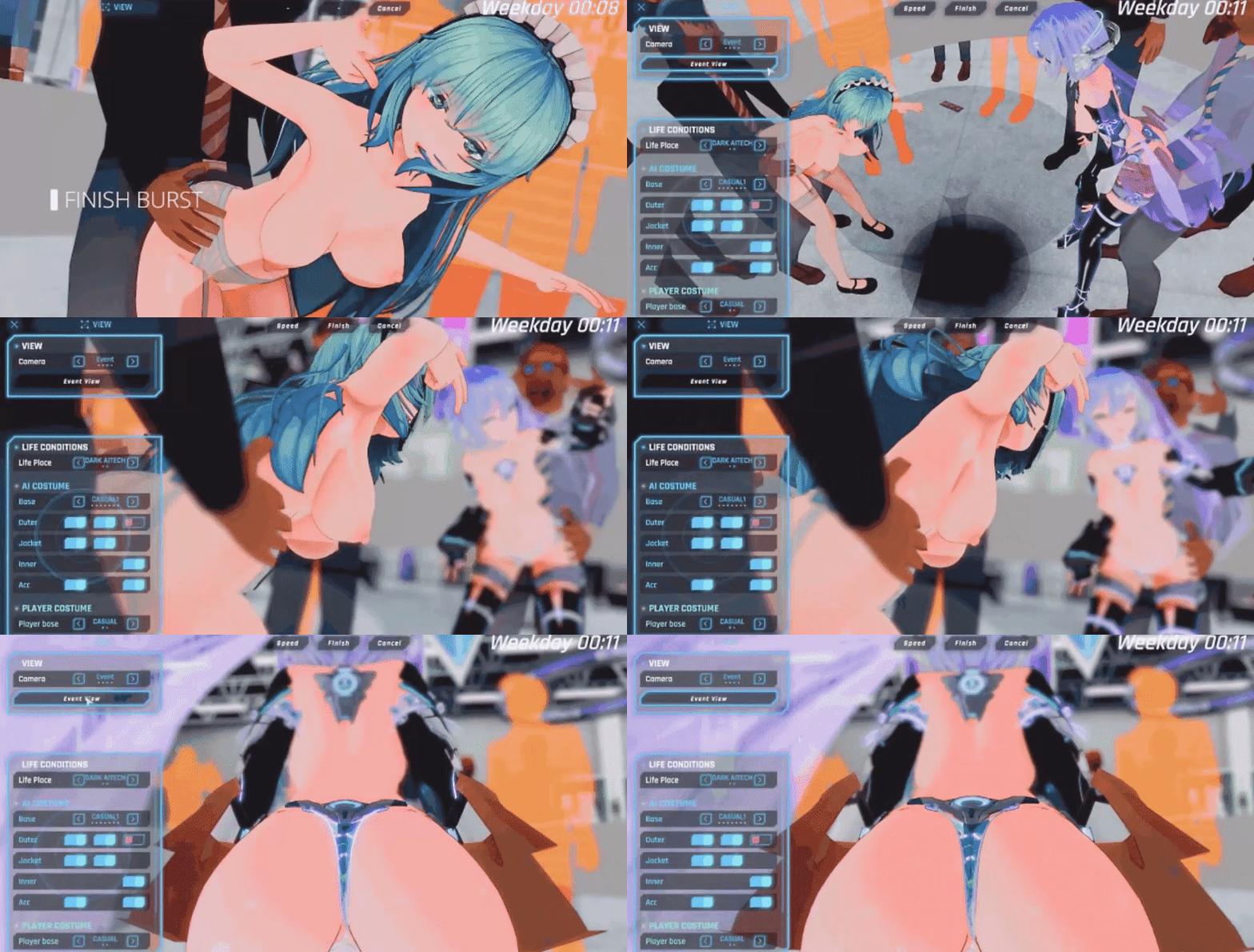
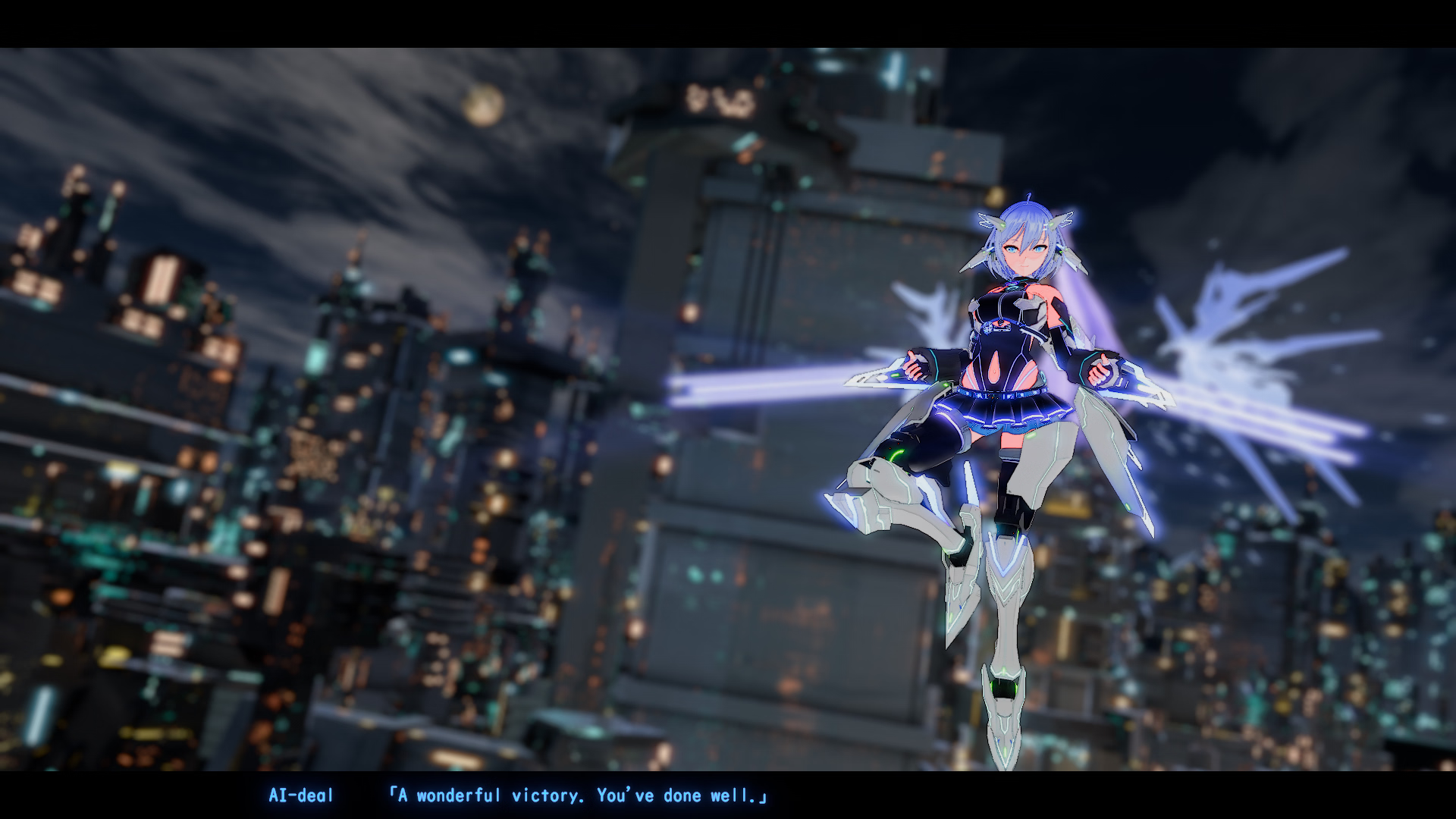
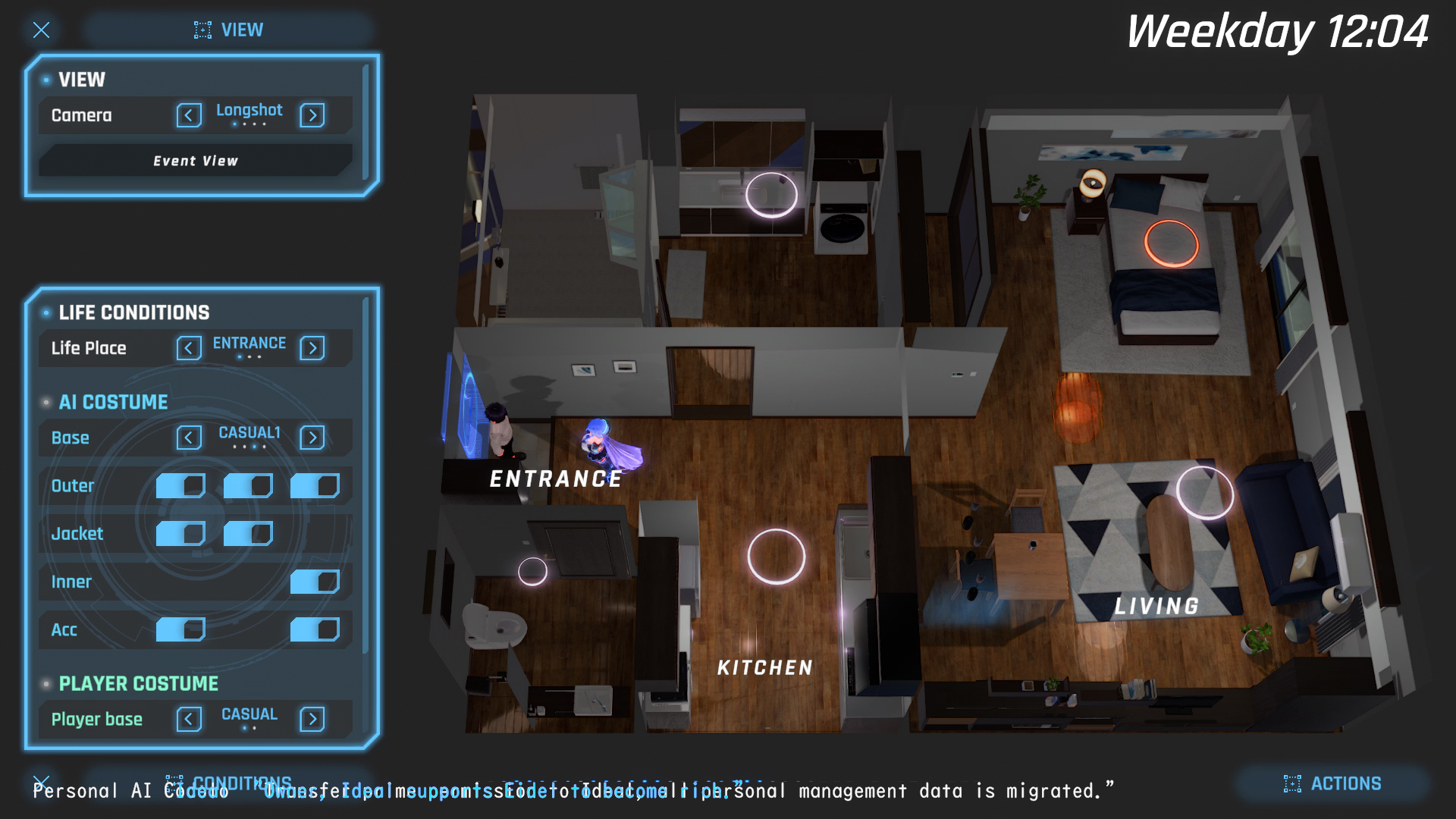
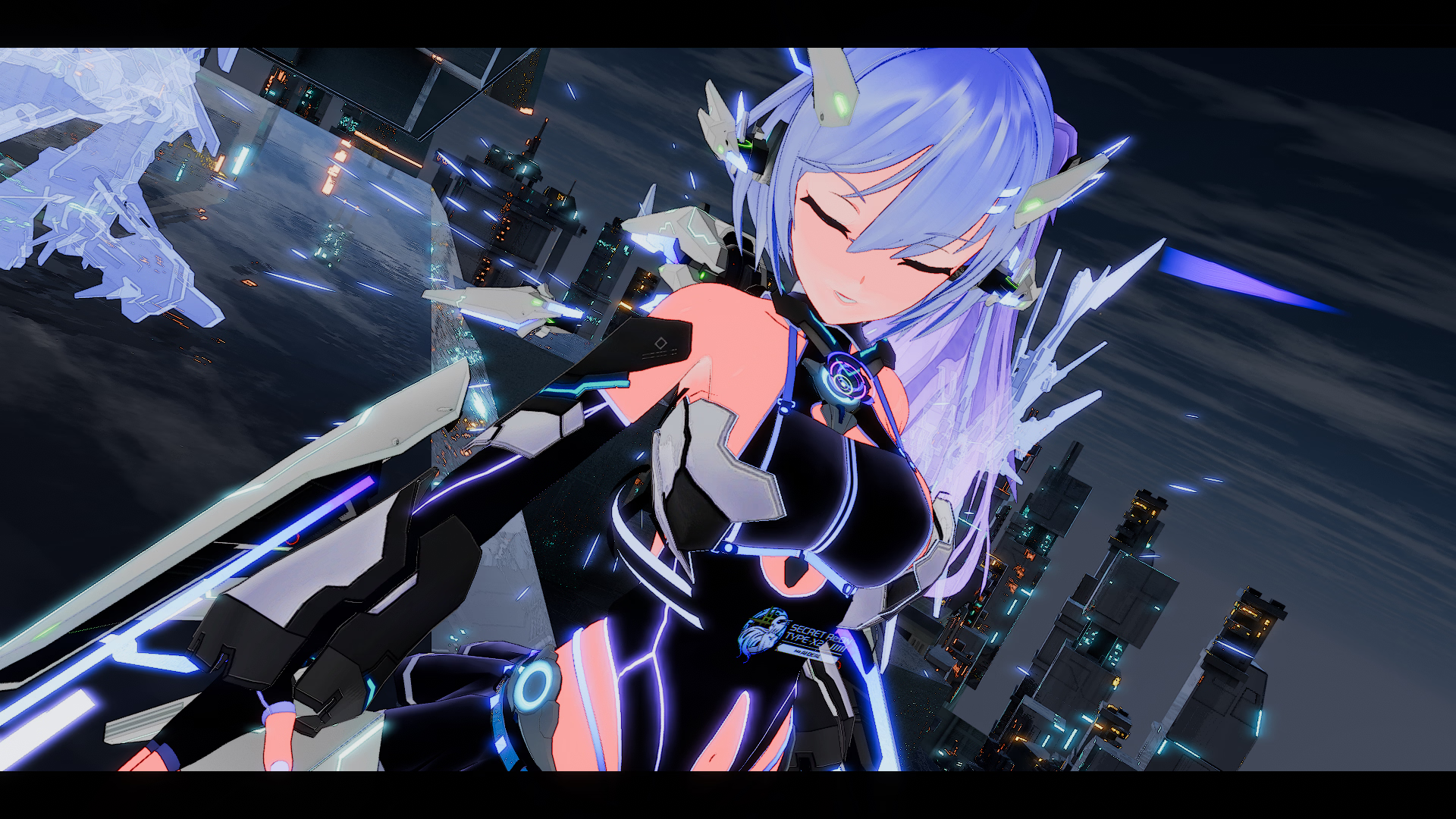
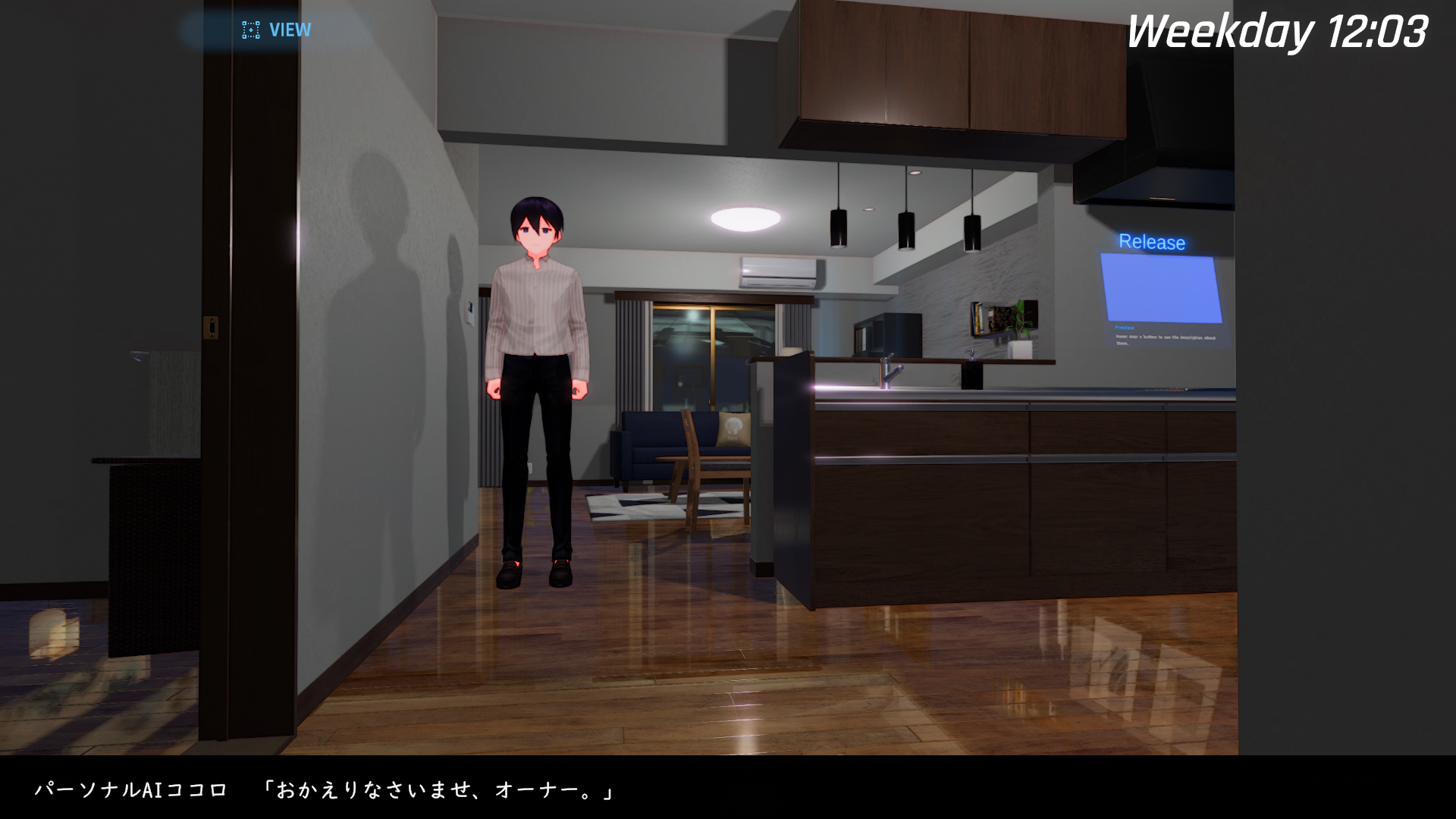
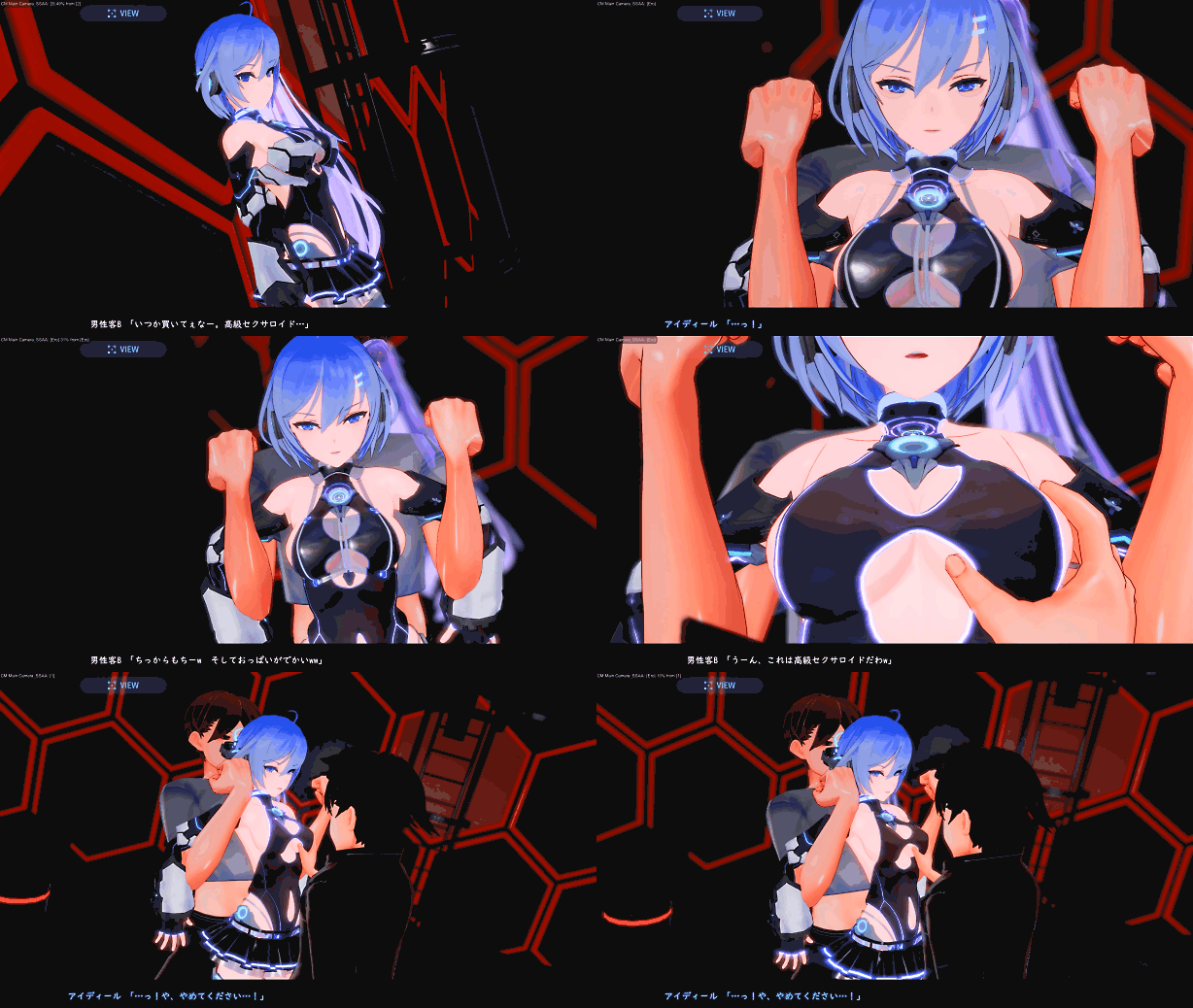
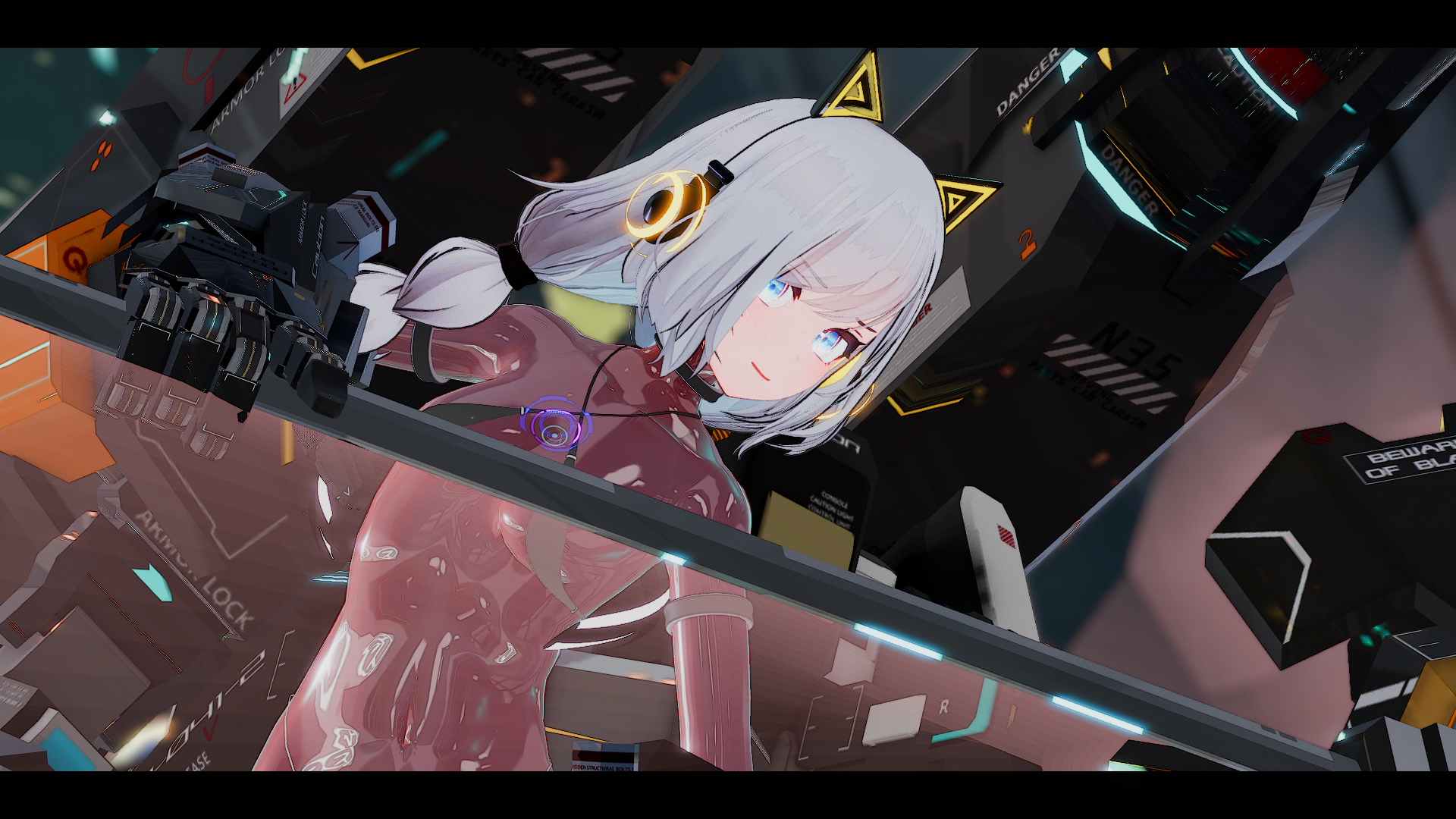
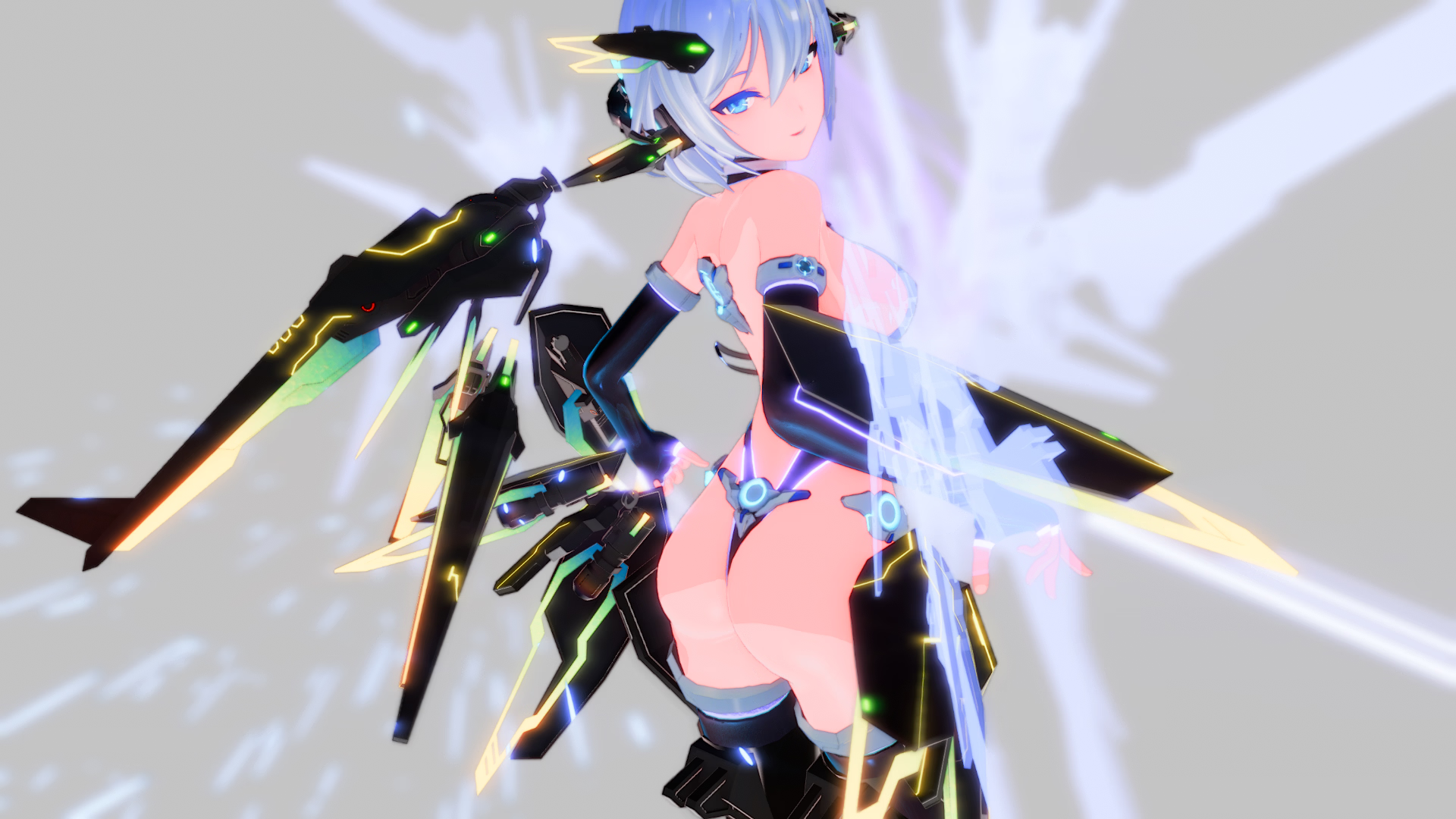
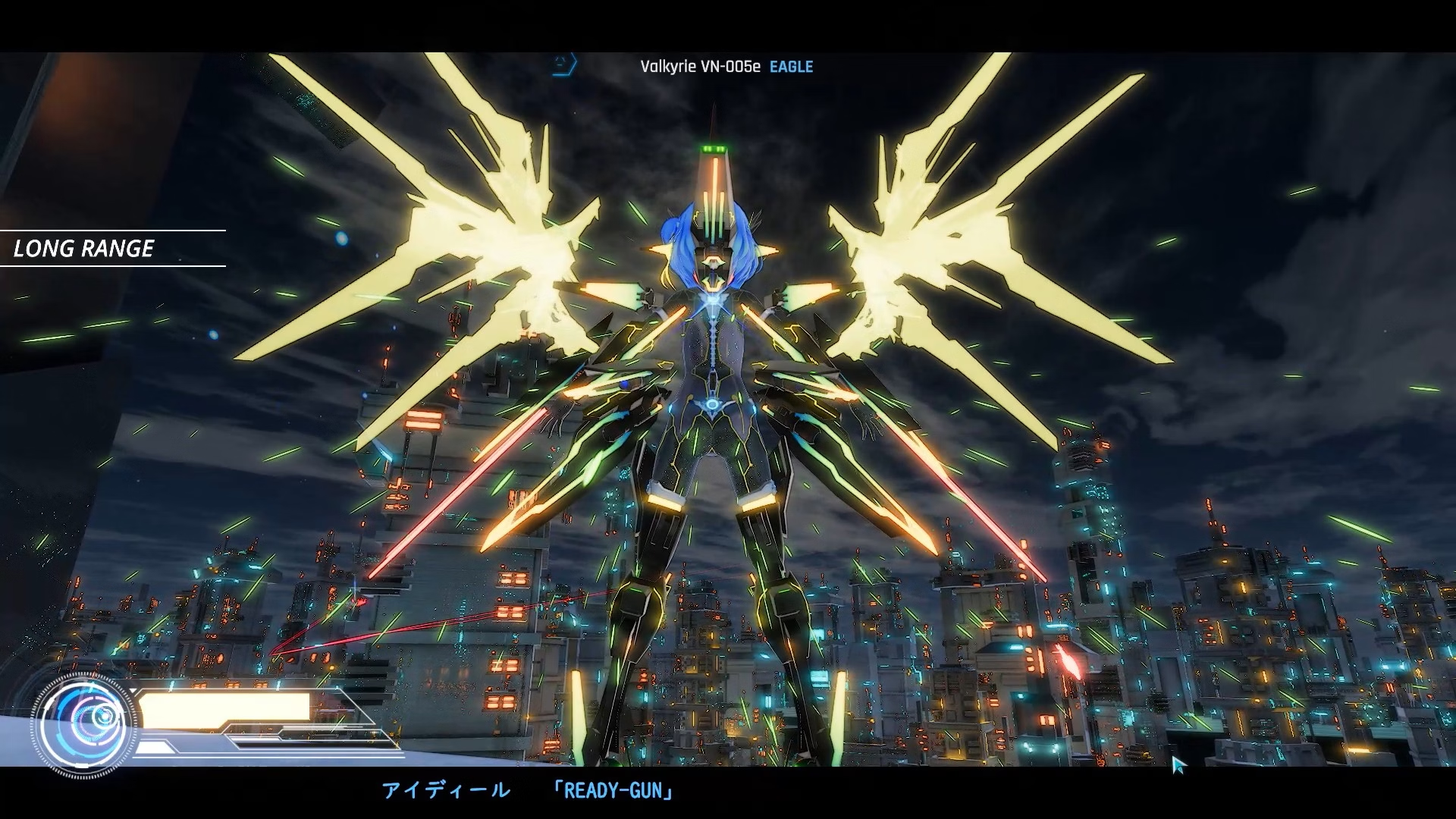
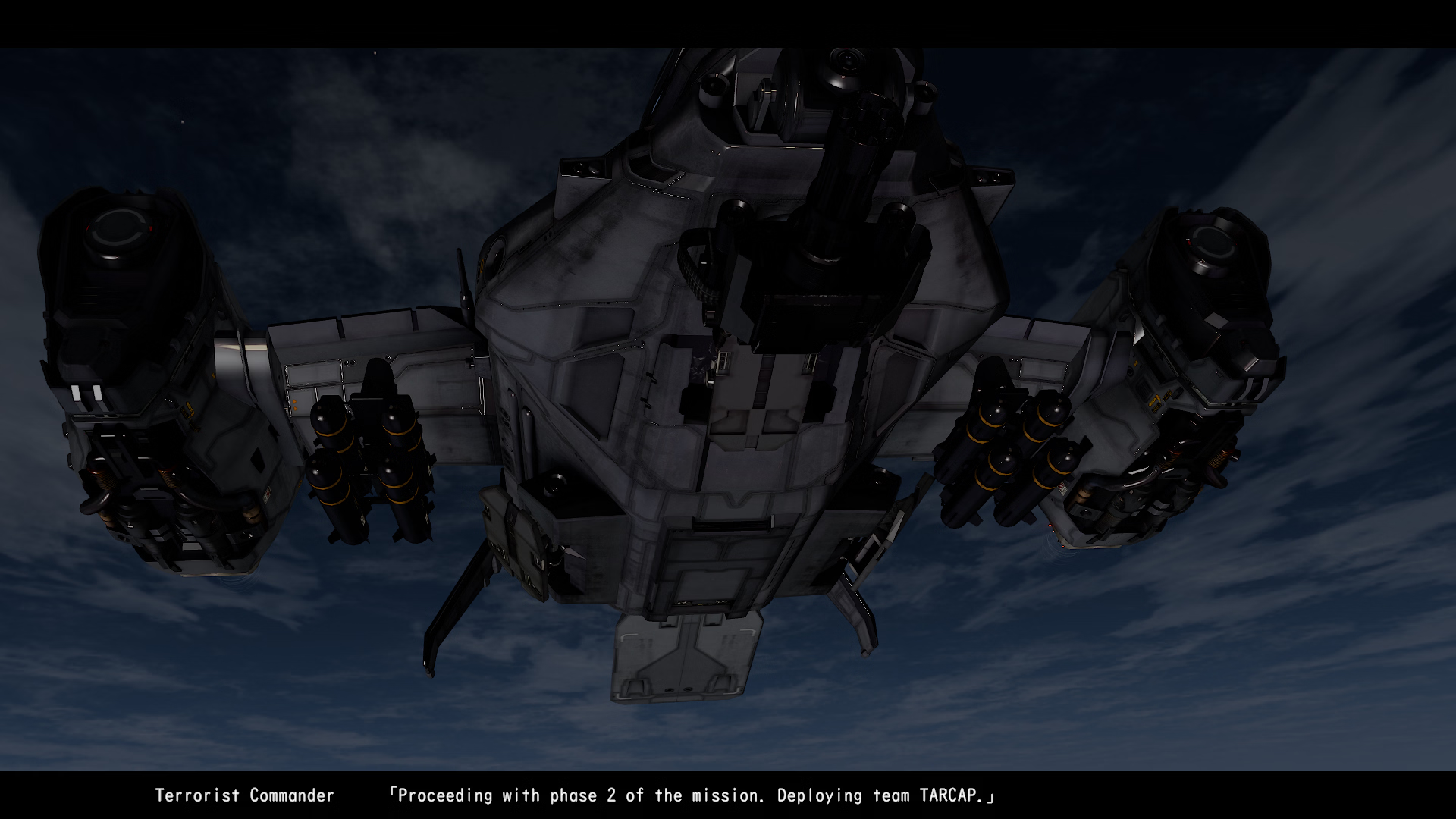
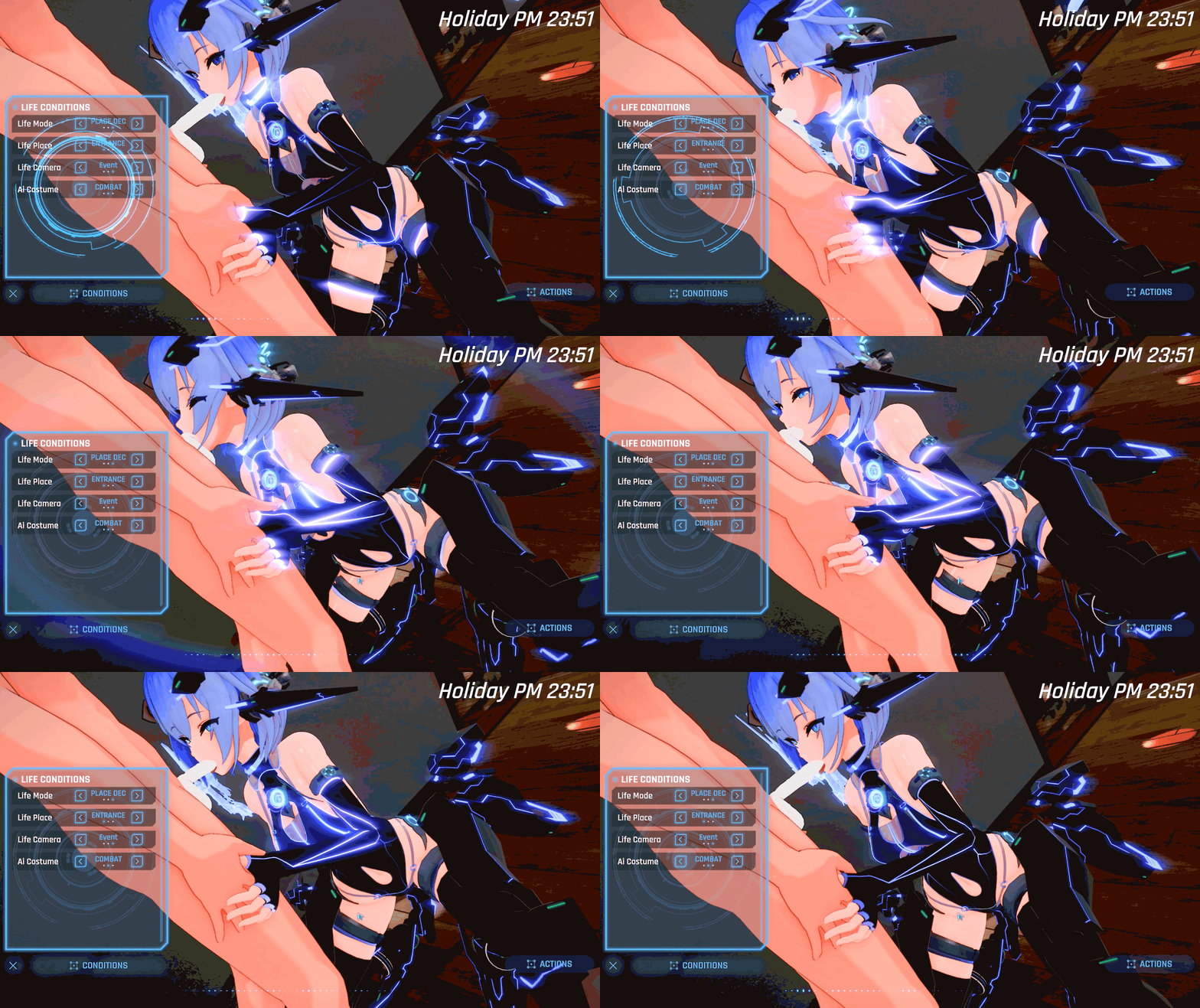
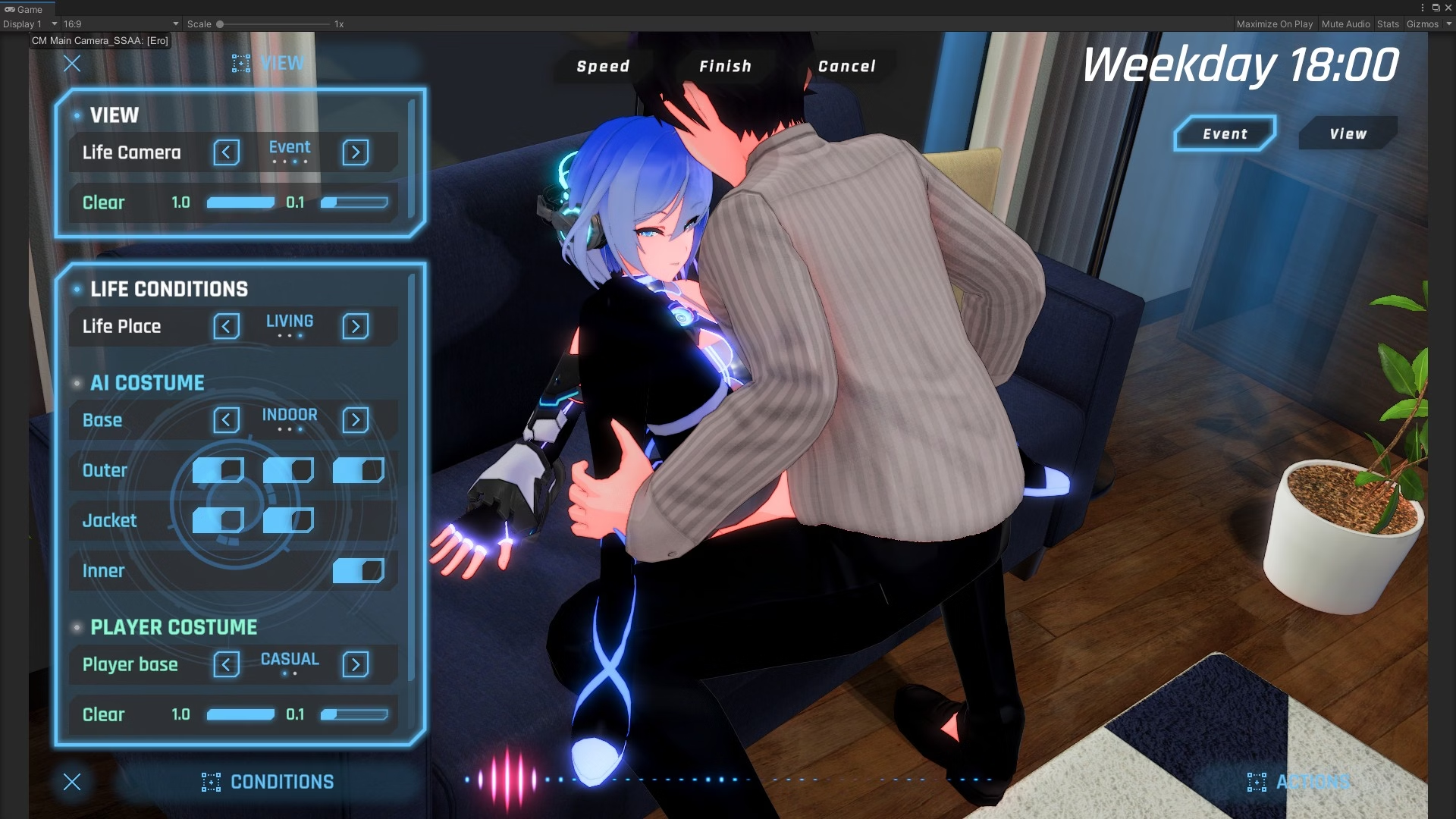
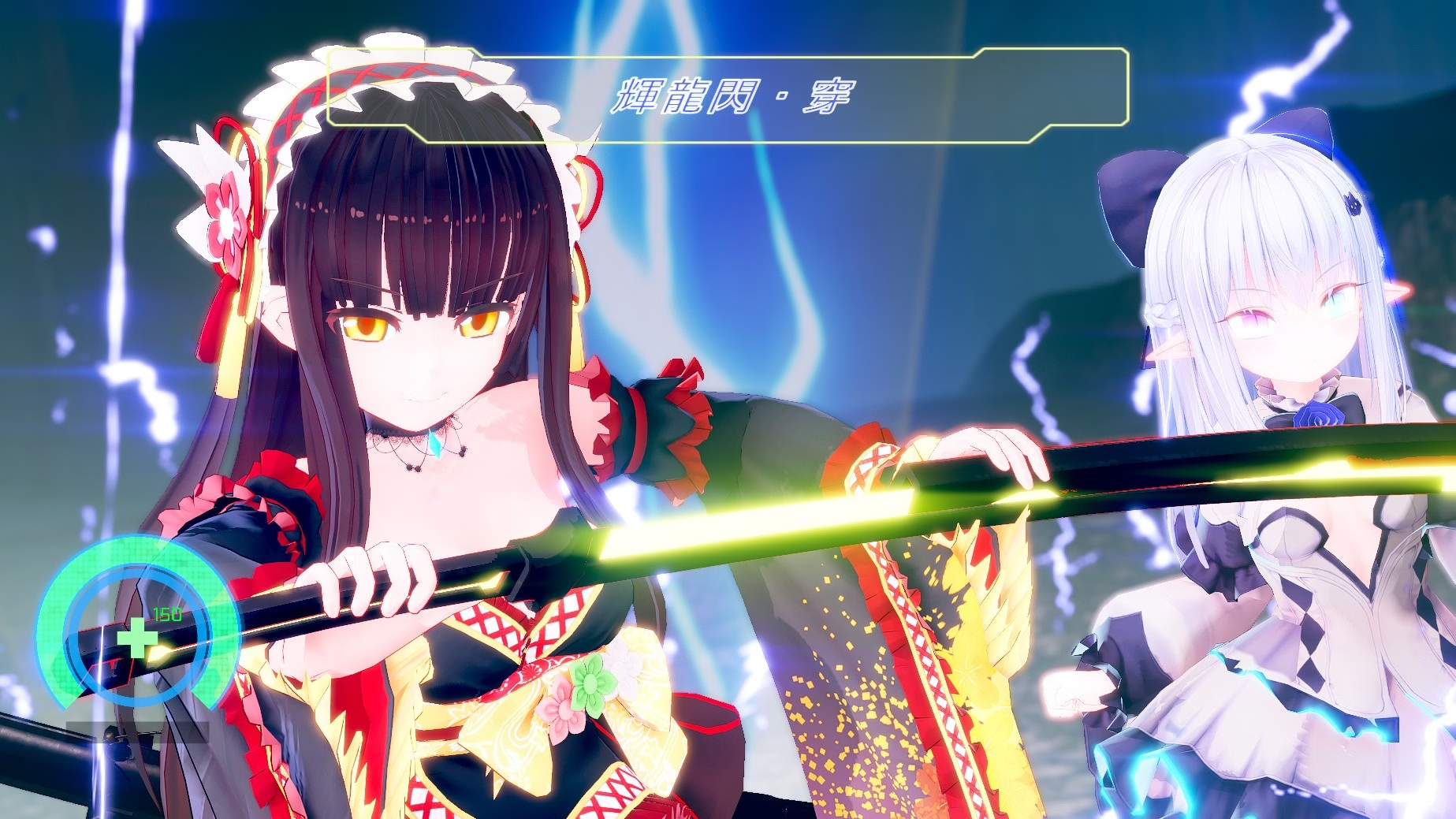
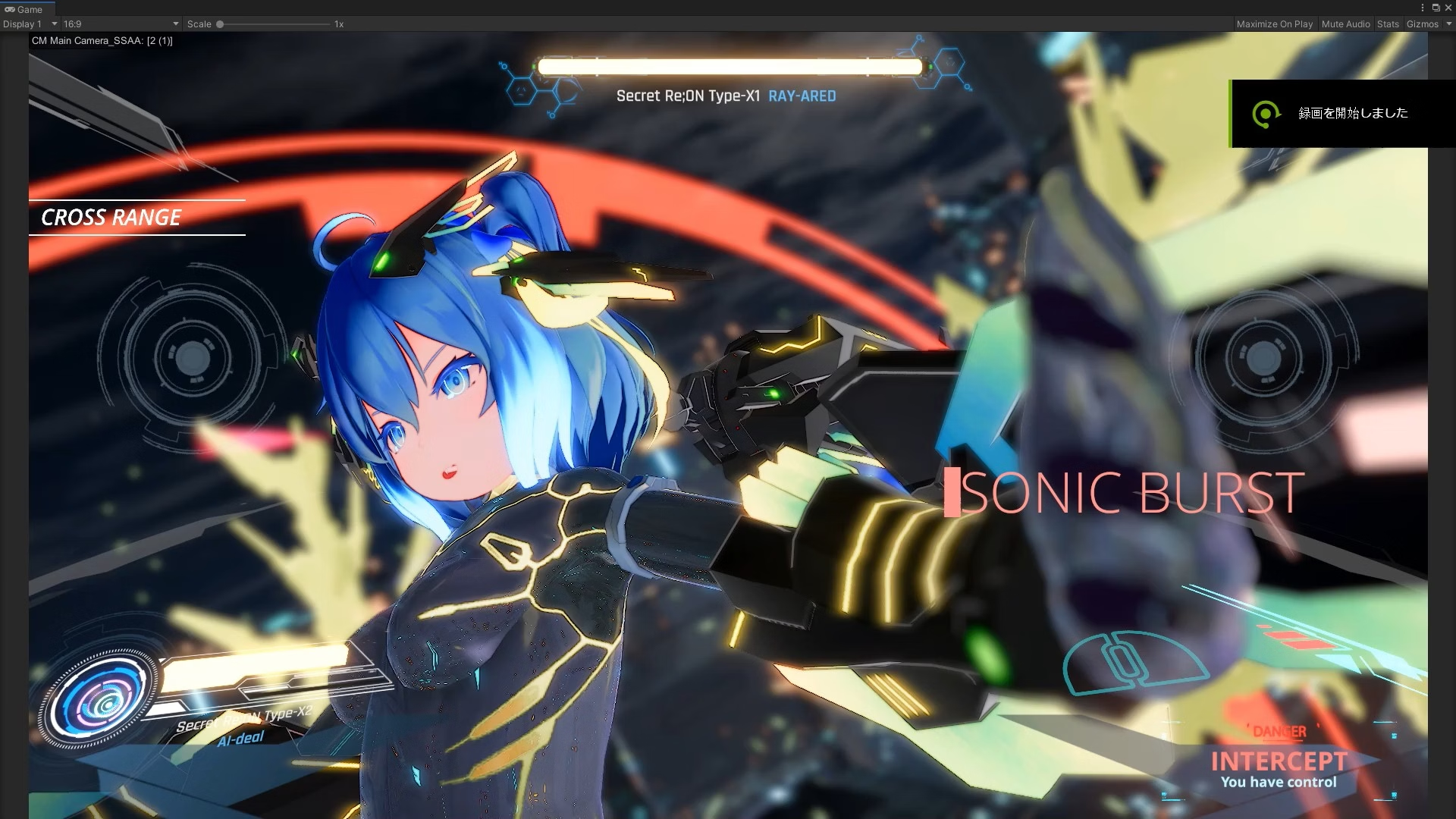
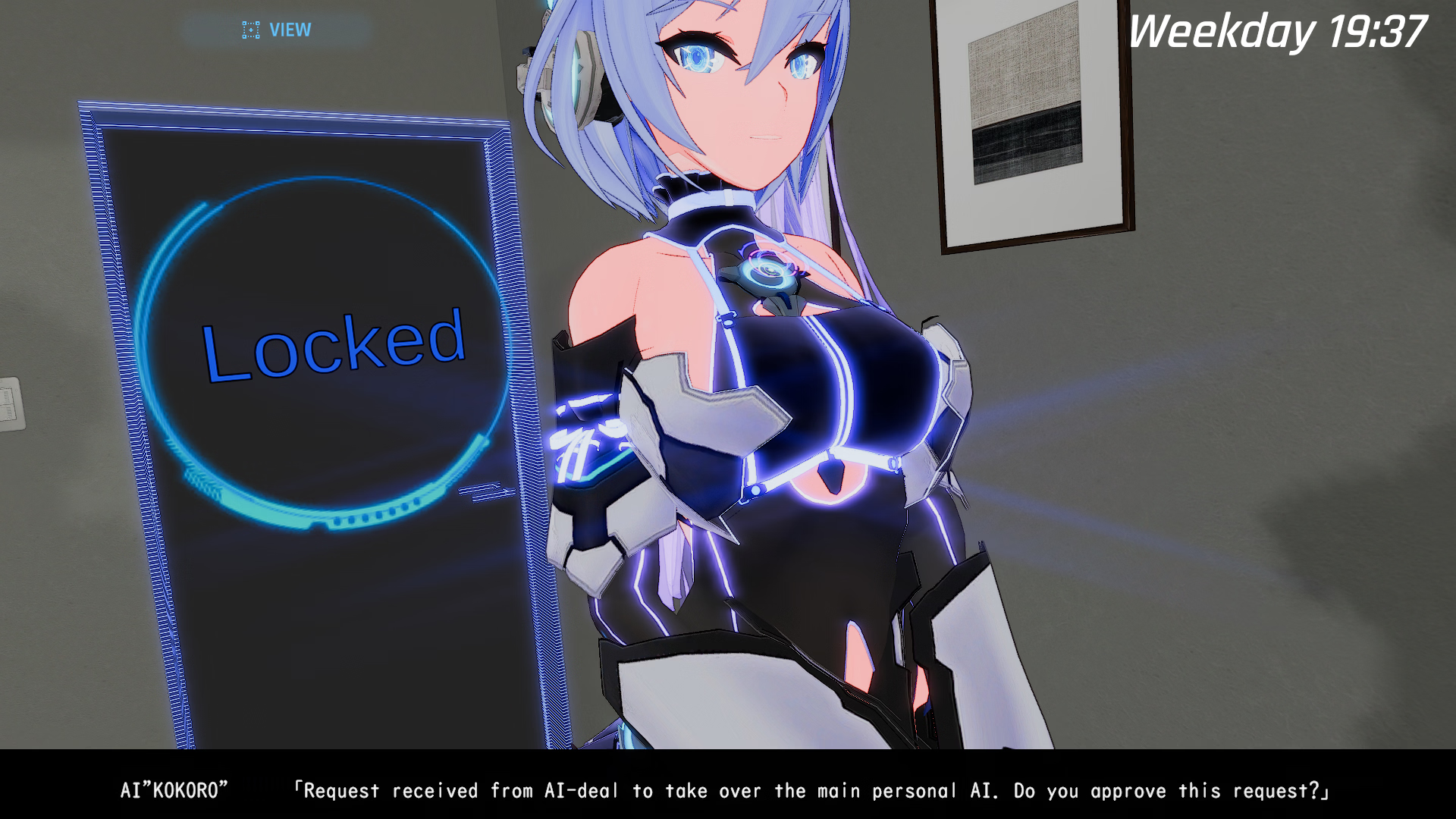
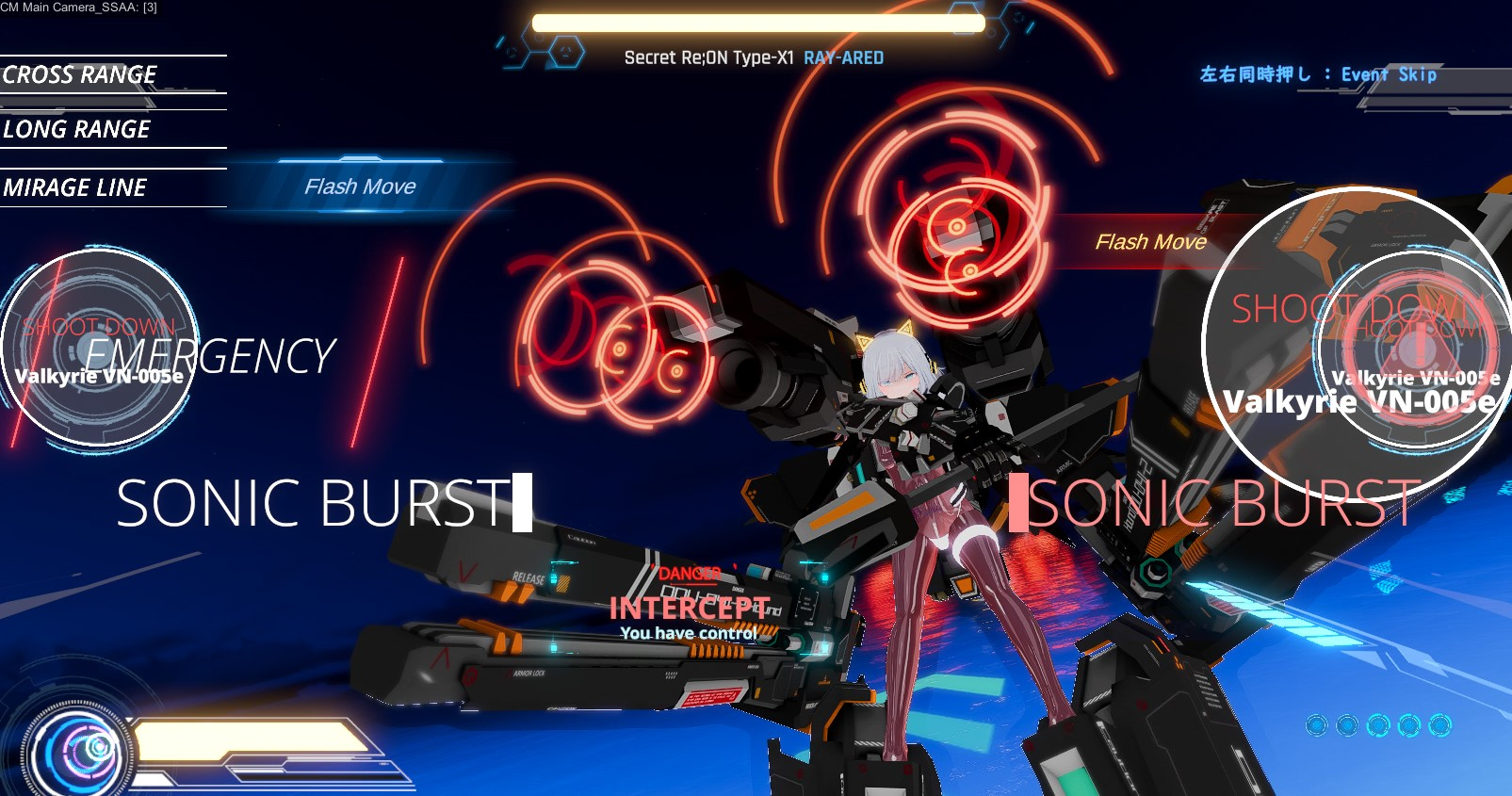
“AI deal Rays” is a high-speed 3D action set in the near future.
Unlike Snow Brandia, it has a depth, and we plan to prepare a target system.
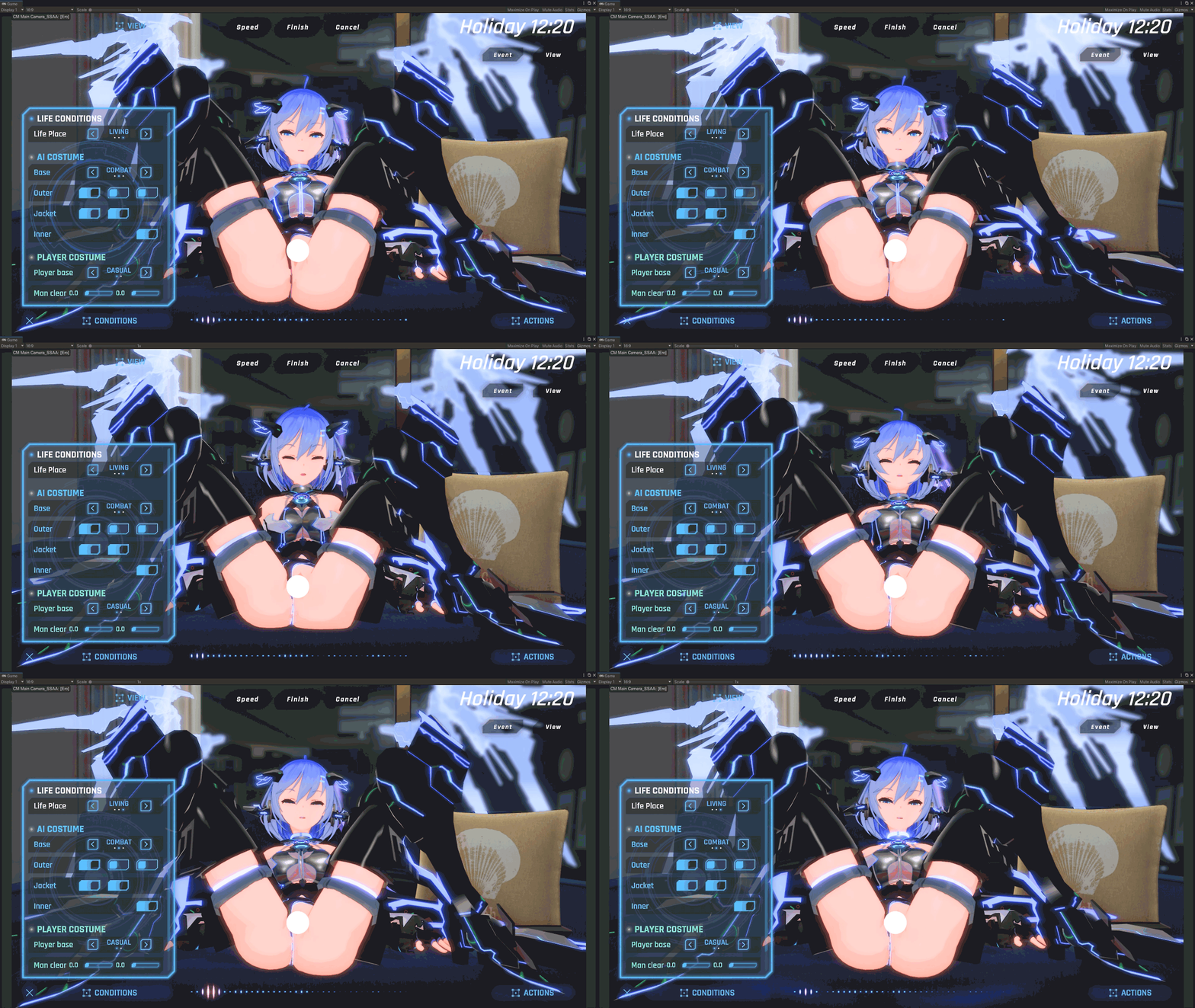
It’s as easy to operate as Snow Brandia, and it’s more flashy and cool than Snow Brandia, and we aim to create an erotic experience that goes far beyond Snow Brandia.
Gameplay Trailer
See More
Thread Updated: 2026-08-17
Release Date: 2025-09-22
Original Name: 駆動妖精アイディールレイズ
Aliases: Drive Fairy Ideal Rays
Censored: Yes
Version: 2.2.1
OS: Windows
Language: English, Japanese
Other Games:
Store: DLsite
Genre:
See More
3d game, animated, female protagonist, censored, japanese game, vaginal sex, groping, shooter, sci-fi, fantasy, adventure, customization, combat
Installation:
See More
1. Extract and run.
Changelog:
See More
Ver. 1.0 — 2023/09/16
Initial release.
Ver. 1.0.1 — 2023/09/17
Bug Fix ①: Fixed an issue in the Chapter 3B Arculate battle where retrying under certain conditions could make the battle impossible to complete.
Bug Fix ②: Fixed an issue in Chapter 2 where losing two or more times could cause the incorrect retry point to be selected.
Bug Fix ③: Fixed an issue during the Chapter 9A Lily battle where the camera did not function during the second Cluster Drain.
Bug Fix ④: Fixed broken character animations during conversation commands in the Chapter 7A Home section.
Bug Fix ⑤: Fixed an issue with Ideal’s leg animation during a mature Home event in Chapter 6A.
Ver. 1.0.2 — 2023/09/19
Bug Fix ①: Fixed an issue where Arcu’s position became incorrect after playing “Virtual Cat Fight” from HomeUXR through the Gallery.
Bug Fix ②: Fixed an issue where “ArksShow: Revenge of the Giant Jellyfish!!” was incorrectly unlocked through the Chapter 3B defeat ArksShow.
Bug Fix ③: Fixed incorrect default event selections in defeat events for Chapters 4B, 5, and 6A.
Bug Fix ④: Fixed an issue where joint positions could occasionally become incorrect during a mature poolside scene in NightPool.
Bug Fix ⑤: Fixed an issue where Chapter 3.5 could be skipped under certain conditions, potentially preventing Chapter 7 events from being selected.
Ver. 1.0.3 — 2023/09/25
Bug Fix ①: Fixed an issue where Ideal’s costume button could incorrectly be selected during a Chapter 7 Home event.
Bug Fix ②: Fixed untranslated text in a Chapter 7 defeat event.
Bug Fix ③: Fixed an issue in Chapter 3’s Ocean event, On Stage, where subtitles overlapped with the Arcu Channel logo when using a 21:9 display.
Bug Fix ④: Fixed an issue where triggering a mature event in Home’s LIVING area while wearing the Swim3 costume caused the costume to be rendered twice.
Bug Fix ⑤: Fixed a broken walking animation during the Chapter 10B defeat event in Night City.
Bug Fix ⑥: Corrected typographical errors.
Ver. 1.0.4 — 2023/09/29
Bug Fix ①: Fixed an issue where Rayard did not appear during certain Chapter 7 Home events.
Ver. 1.1 — 2023/10/05
Feature Addition ①: Added Traditional Chinese language support.
Feature Addition ②: Added a clothing-removal option for Rayard during Chapter 7 Home events.
Ver. 1.2 — 2023/10/12
Content Addition: Added the defeat event “Restroom Kitty” to NightPool.
Unlock condition: Complete the game.
Ver. 1.6 — 2023/11/02
Feature Addition ①: Added Free Camera Ver. 2 to event scenes.
Feature Addition ②: Added the ability to return to earlier base animations during mature scenes.
Feature Addition ③: Added individual selection of alternate animations during mature scenes.
Feature Change ④: Changed animation-speed control during mature scenes from a two-level button system to a continuous slider.
Ver. 1.8 — 2023/12/22
Added DLC support for the Icha-Love App.
Added the ability to equip/remove Rayard’s Sylpheed equipment and change its color.
Added additional graphics settings.
Added reset buttons to the audio and graphics settings.
Ver. 1.9 — 2024/02/08
Content Addition: Added the defeat event “Hot Spring Challenge: Advanced” to Onsen.
Unlock condition: Complete the game.
Ver. 1.9.2 — 2024/11/07
Added bangs/forehead shadows to the main characters.
Optimized knockback behavior during action gameplay.
Ver. 1.9.3 — 2025/01/11
Fixed an issue where the Combo Keeper plugin was not functioning.
Ver. 1.9.4 — 2025/06/30
Fixed an issue where the tutorial could incorrectly play in non-Japanese environments.
Ver. 2.1 — 2025/09/10
Content Addition: Added Sylpheed Encyclopedia Mode, including a Drain recollection feature.
Unlocked after completing the story.
Content Addition: Added a new enemy Sylpheed:
AL5D2 Shadow Exiodoll
Content Addition: Added new story presentation elements.
Feature Addition: Added a function to reduce loading times.
Activate it by selecting Load Resources on the title screen.
Feature Addition: Added AI-assisted image enhancement to the graphics-quality settings.
Feature Addition: Progress data is now stored as files.
Feature Addition: Mature scenes can now be played while wearing the full-body suit costume.
Feature Addition: Added an enemy weakness system.
Feature Addition: Enhanced Flash Move behavior.
Quick Drain and Quick Dash are now available.
Feature Addition: Added costume selection to the title screen.
The player’s selected equipment now appears during action scenes.
Feature Addition: Added gamepad support for the main story.
Certain functions unrelated to story progression, such as costume changes, are excluded.
Included the Icha-Love App with versions that previously did not include it.
Ver. 2.1.1 — 2025/09/17
Fixed an issue in the Drain Recollection Room where, under unusual conditions, the wrong version of a Drain animation could be triggered.
Fixed an issue where Counter Burst activation was delayed during weapon clashes.
Fixed an issue where Ideal’s mesh could display incorrectly when receiving a Drain from Rayard after changing costumes.
Fixed an issue where the defeat-scene UI could appear completely black when using graphics quality Level 2 or lower.
Fixed an issue where disabling the inner layer of the Casual1 costume was not reflected during action stages.
Ver. 2.1.2 — 2025/09/30
Addressed an issue where the video could become completely black during the finishing sequence at TerraceWest in DefeatPool.
Ver. 2.1.3 — 2025/10/03
Applied a fix related to a Unity Editor bug.
Ver. 2.1.4 — 2025/10/05
Fixed an issue introduced in Ver. 2.1.3 that changed the save-data path.
Ver. 2.1.5 — 2025/12/15
Fixed an issue where clothing adjustment did not function correctly in certain mature scenes.
Ver. 2.2 — 2026/03/30
Fixed a material error affecting the top piece of the two-piece swimsuit.
Standardized materials with those used in the Steam version.
Ver. 2.2.1 — 2026/04/13
Addressed an issue where registry-related problems could cause the game to freeze on certain systems.Developer Notes
See More
② Open Settings
After the game launches and the title screen appears, open SETTINGS from the menu at the top of the screen.
③ Set the language
You can select the language from the GAMEPLAY tab.
After changing the setting, the current scene will reload.
Note: On the first launch, the default language is automatically determined based on your operating system’s language settings.
④ Configure graphics quality
Set the graphics quality from the VISUALS tab.
LEVEL 1: Intended for integrated graphics
LEVEL 2: Recommended
LEVEL 3: Recommended for high-end systems
EXTRA: Experimental features for high-end systems (unsupported)
⑤ Start the game
Open CHAPTER from the menu at the top of the screen and select the part you want to play.
Please note that the entire game uses real-time 3D rendering. Even LEVEL 1 requires a reasonably capable graphics processor.
For an overview of the action controls, please refer to the following.
Default Mouse & Keyboard Controls
Move: WASD
Attack: Left Mouse Button
Evade / Mirage Line: Right Mouse Button
Burst: Left + Right Mouse Buttons simultaneously
Pause: Escape
Default Gamepad Controls
Controls can be changed. Based on an Xbox controller layout.
Move: Analog Stick
Attack: X Button
Evade / Mirage Line: A Button
Burst: RB
Pause: Start Button
Controls are also explained in the following video:
Additional control instructions are available here:
Note: Some controls differ from the Steam version because certain actions have been automated.
Exiting the Game
You can exit the game using the following methods:
Title Screen:
Click EXIT in the upper-right corner of the screen.
Anywhere else:
Open the pause menu and select Exit Game.REQUIRES A DECENT GRAPHICS CARD. REAL-TIME 3D RENDERING
DOWNLOAD
Win: DATANODES – GOFILE – MEGA – PIXELDRAIN – UPLOADHAVEN
Part 1: BUNKR – GOFILE – MEGA – PIXELDRAIN – UPLOADHAVEN
Part 2: BUNKR – GOFILE – MEGA – PIXELDRAIN – UPLOADHAVEN
Part 3: BUNKR – GOFILE – MEGA – PIXELDRAIN – UPLOADHAVEN
Part 4: BUNKR – GOFILE – MEGA – PIXELDRAIN – UPLOADHAVEN
Part 5: GOFILE – MEGA – PIXELDRAIN – QUAX – UPLOADHAVEN
Win: PIXELDRAIN – ANONYMFILE – BOWFILE – BUZZHEAVIER – DELAFILSE
BATTLE BUILD
Win: PIXELDRAIN – ANONYMFILE – BOWFILE – DELAFILSE – BUZZHEAVIER
DOWNLOAD
Win: DATANODES – GOFILE – MEGA – PIXELDRAIN – UPLOADHAVEN
See More
Part 1: BUNKR – GOFILE – MEGA – PIXELDRAIN – UPLOADHAVEN
Part 2: BUNKR – GOFILE – MEGA – PIXELDRAIN – UPLOADHAVEN
Part 3: BUNKR – GOFILE – MEGA – PIXELDRAIN – UPLOADHAVEN
Part 4: BUNKR – GOFILE – MEGA – PIXELDRAIN – UPLOADHAVEN
Part 5: GOFILE – MEGA – PIXELDRAIN – QUAX – UPLOADHAVEN
Extras: Save – Uncensor Plugin*
DLC
AI deal Rays v1.9 DLC
Win: GOFILE – MEGA – MIXDROP – PIXELDRAIN
AI deal Rays: Lovey-Dovey Sex App v1.0.3
Win: MIXDROP – PIXELDRAIN – UPLOADNOW – WDHO – WORKUPLOAD
Steam Early Access Release
See More
Win: PIXELDRAIN – ANONYMFILE – BOWFILE – BUZZHEAVIER – DELAFILSE
BATTLE BUILD
Win: PIXELDRAIN – ANONYMFILE – BOWFILE – DELAFILSE – BUZZHEAVIER
![A College Education [v0.8.2] [maiie]](https://hornygames.to/wp-content/uploads/2026/08/6352600_1786146700605.avif)
![Napping Young Mom ~I Secretly Had My Way with My Friend’s Mother~ [Final] [Milk-flavored starch syrup]](https://hornygames.to/wp-content/uploads/2026/08/6381660_cover.avif)
![Yui Yui’s Exciting Live Stream Diary! [v1.1.2] [With Tong Kai Zhen]](https://hornygames.to/wp-content/uploads/2026/08/6346282_cover.avif)
![Hijiri Houshou Hana Saint Lime VN ~VeasTube Eroero Haishin Edition♪~ [v1.2] [Tori no Oishii Tokoro]](https://hornygames.to/wp-content/uploads/2026/08/6395237_cover.avif)
![Kariyume Recollection [v1.0] [Eldmea]](https://hornygames.to/wp-content/uploads/2026/08/6398895_cover.avif)
![The Fiancée [v2.1g] [Lounatick]](https://hornygames.to/wp-content/uploads/2026/08/5411319_PromoTtle.avif)
![Flower That Blooms in Summer, Flower of Spring Colors [v1.1] [Golden Cat]](https://hornygames.to/wp-content/uploads/2026/07/6306128_1785026537246.avif)
![ENCORE! plus! [Final] [GALEX SOFT]](https://hornygames.to/wp-content/uploads/2026/08/6396405_cover.avif)
![My Nextdoor Girl Sim [v1.0.2.2] [opnas]](https://hornygames.to/wp-content/uploads/2026/08/6375117_RJ01647702_img_main.avif)
![EchiMemory [Final] [Echichimato]](https://hornygames.to/wp-content/uploads/2026/08/6381794_title.avif)
![Succubus Reverse R○pe | The Plain Female Subordinate I Bullied Turned Out to Be a Succubus and Made Me Her Sex Sl○ve ~ [Final] [girlsgame]](https://hornygames.to/wp-content/uploads/2026/08/6349172_game2_title.avif)
![Nagaame ~Boku no Seiso Kanojo o Netorasete Hamedori shite Moraimashita~ [v1.0] [LifeLine]](https://hornygames.to/wp-content/uploads/2026/08/6400078_cover.avif)
![Board Game [v0.4] [Eranwel]](https://hornygames.to/wp-content/uploads/2026/08/6389051_Przechwytywanie.avif)