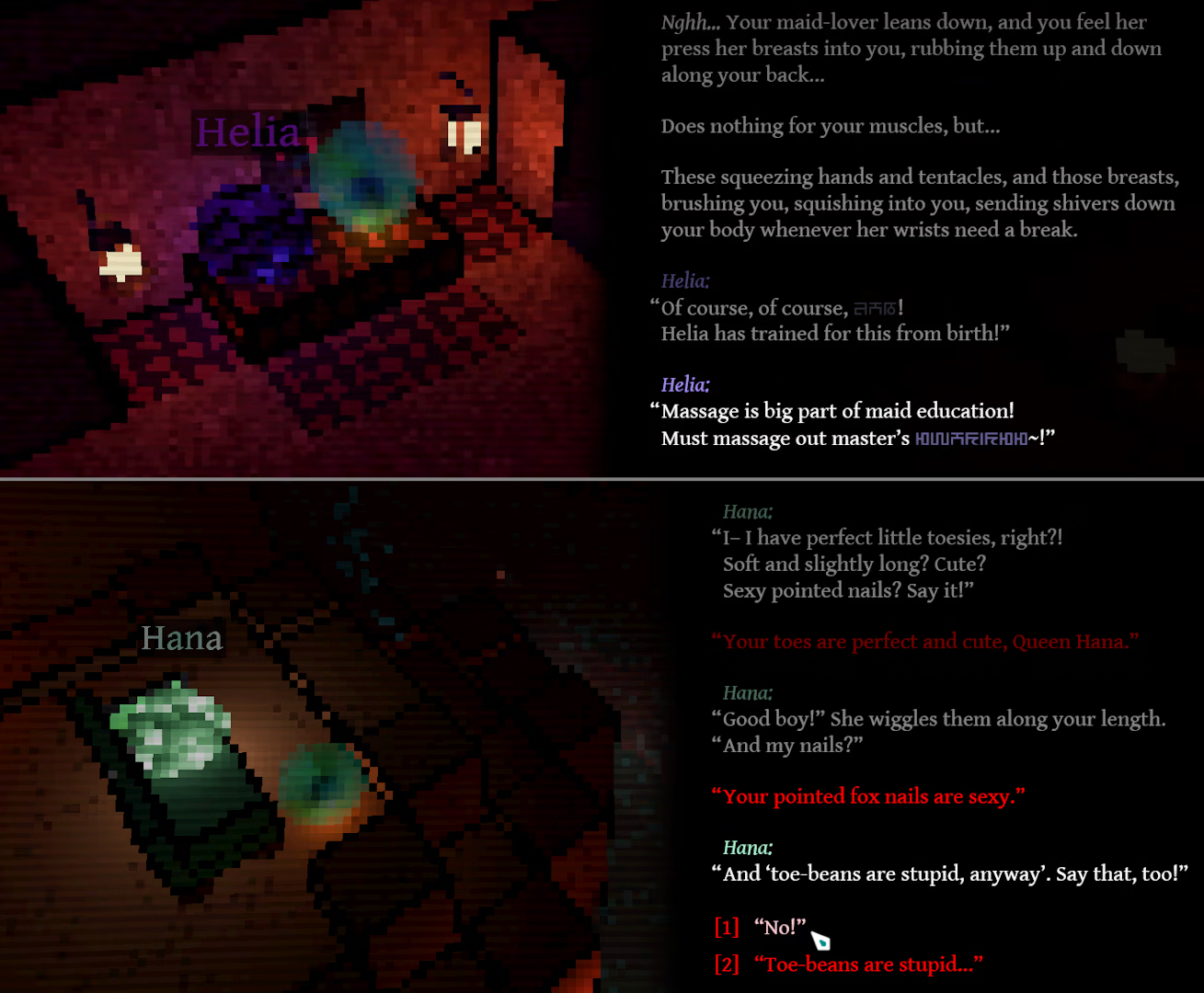
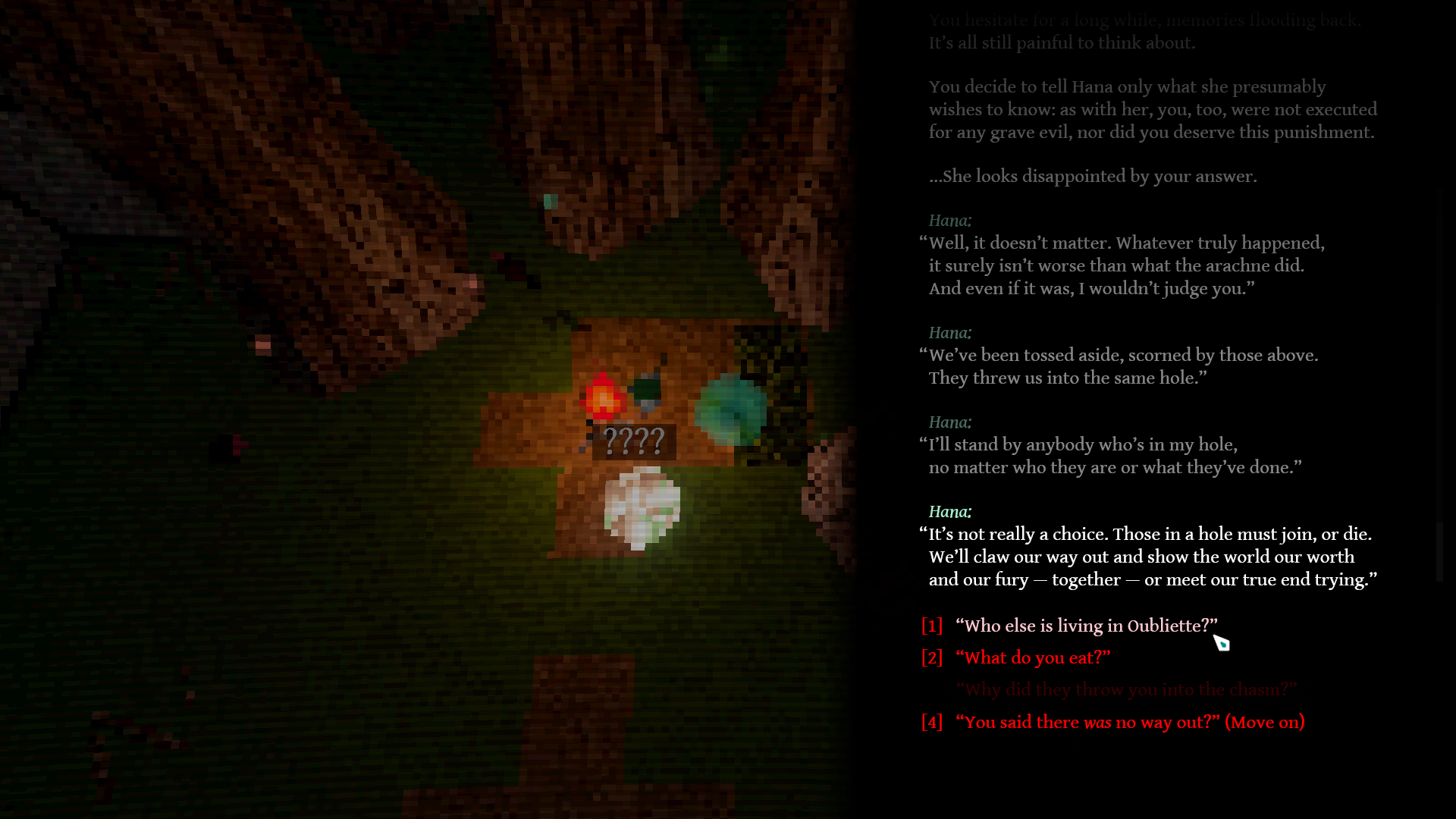
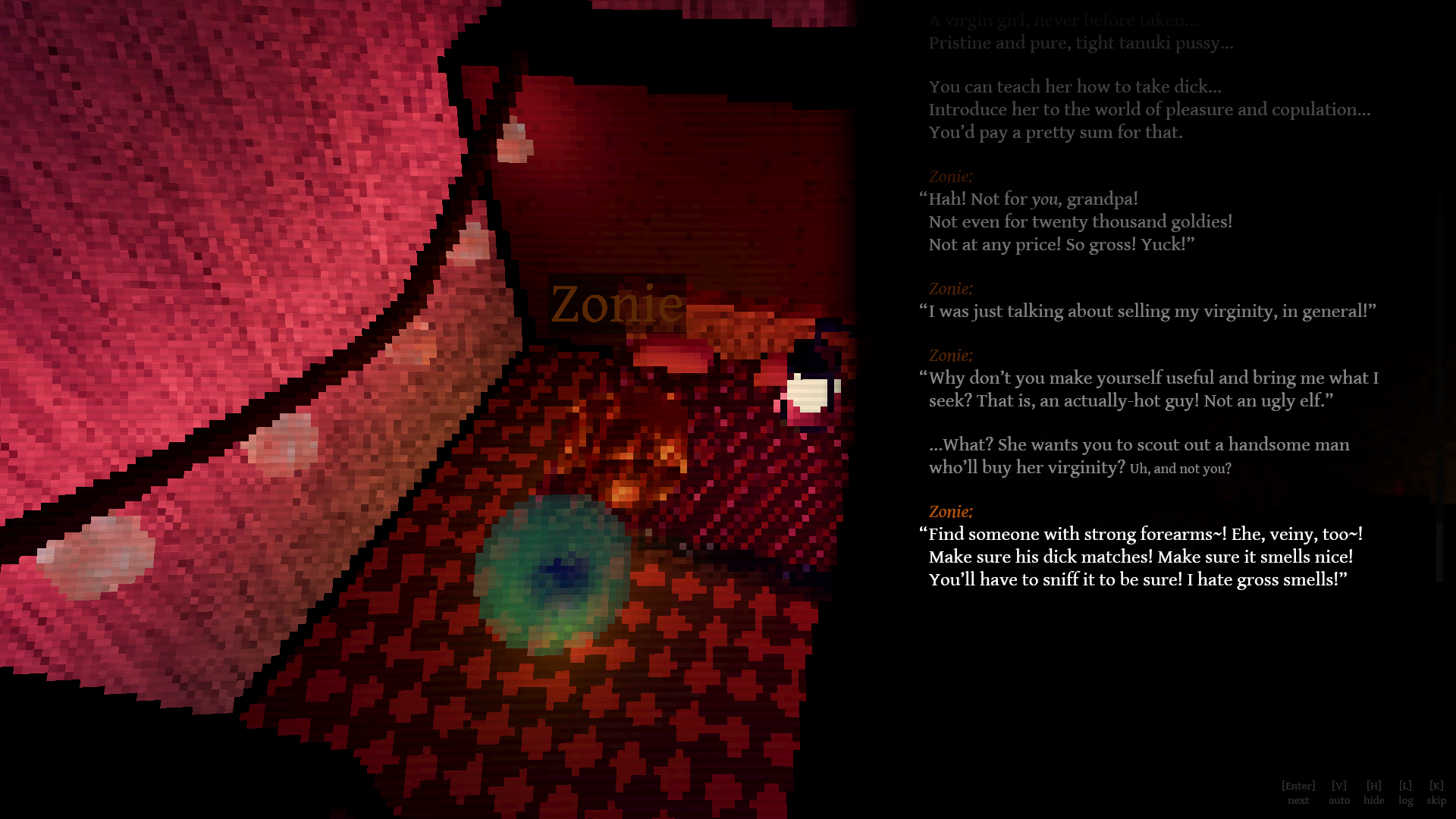
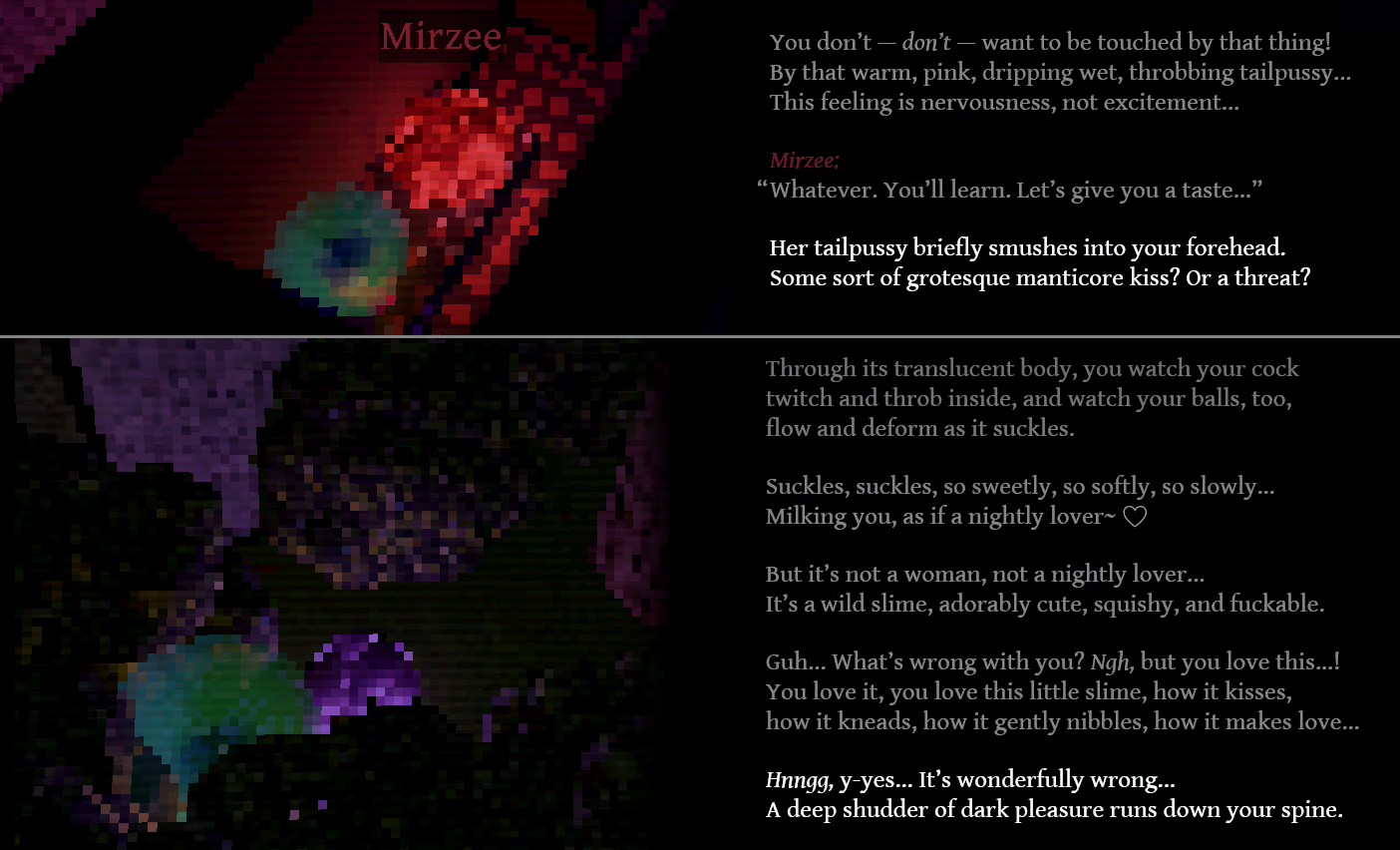
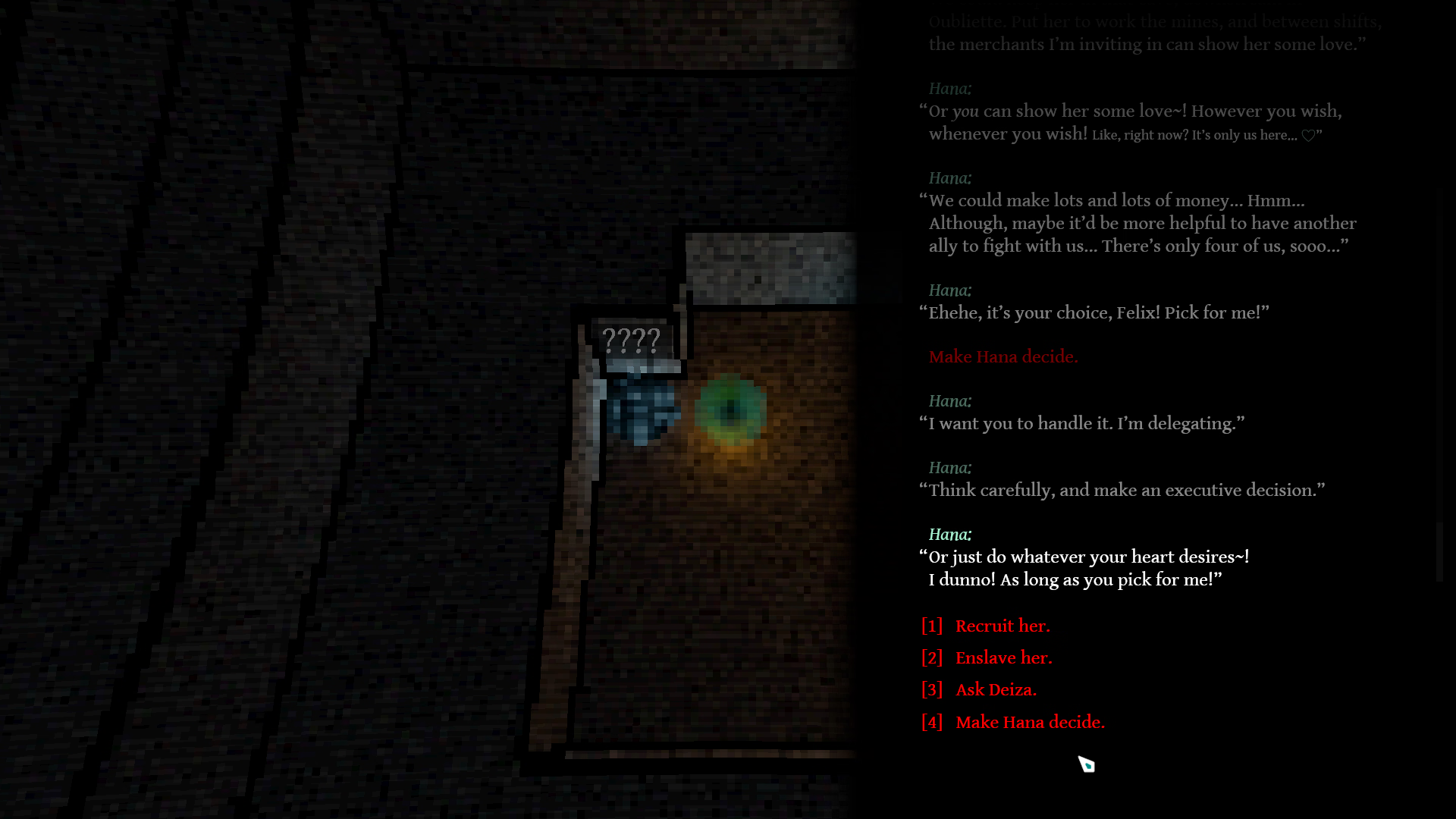
An erotic SRPG featuring feisty and ambitious monstergirls, branching romance, and an unconventional essence.
From the downtrodden rise a revolting mafia; join them in a wild hunt for power, revenge, change… and love.
————————
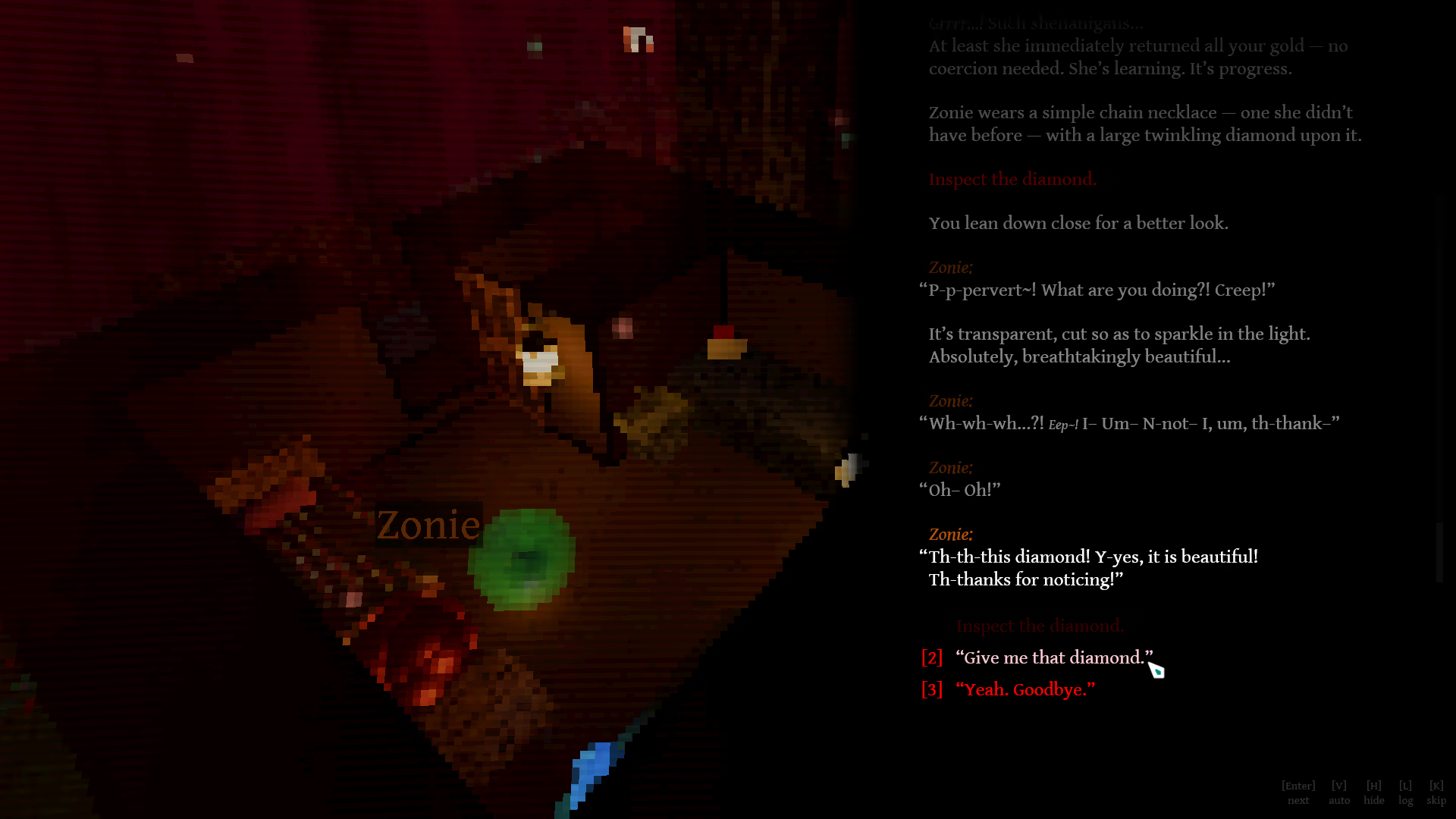
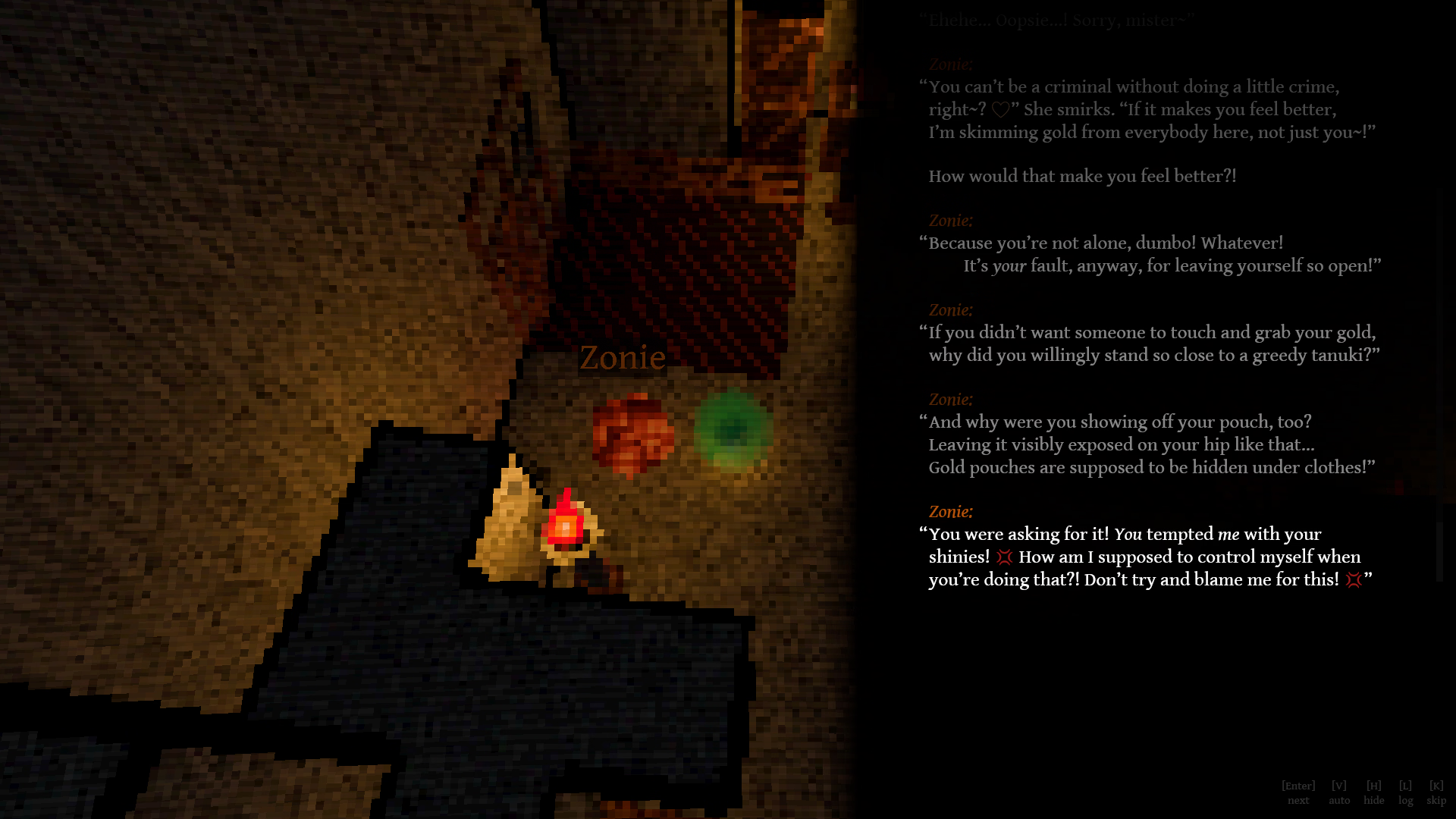
• Text-based | Branching Romance | Choices With Consequences
• Zero generative AI! | Everything was fully handwritten (typed) by me.
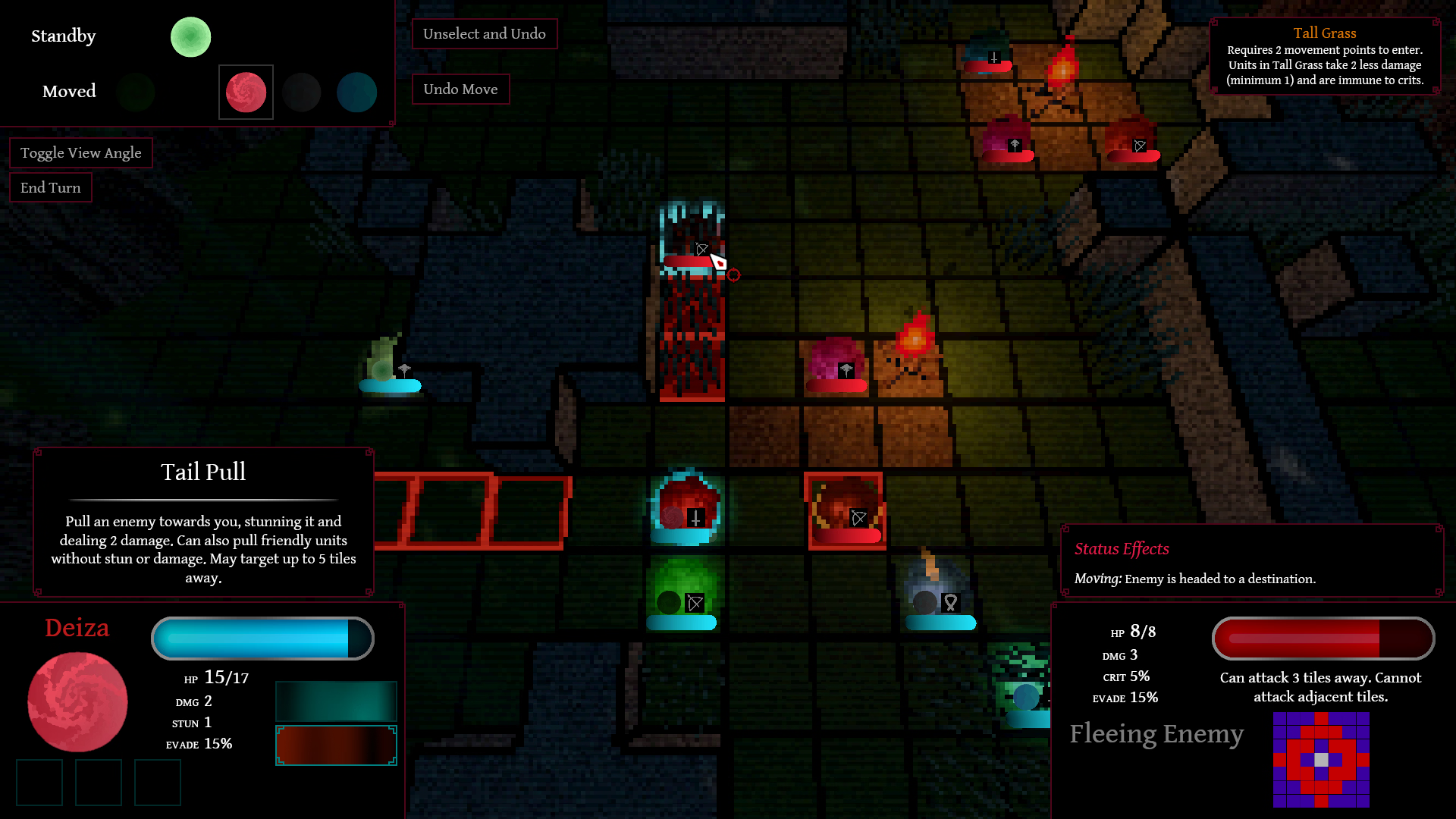
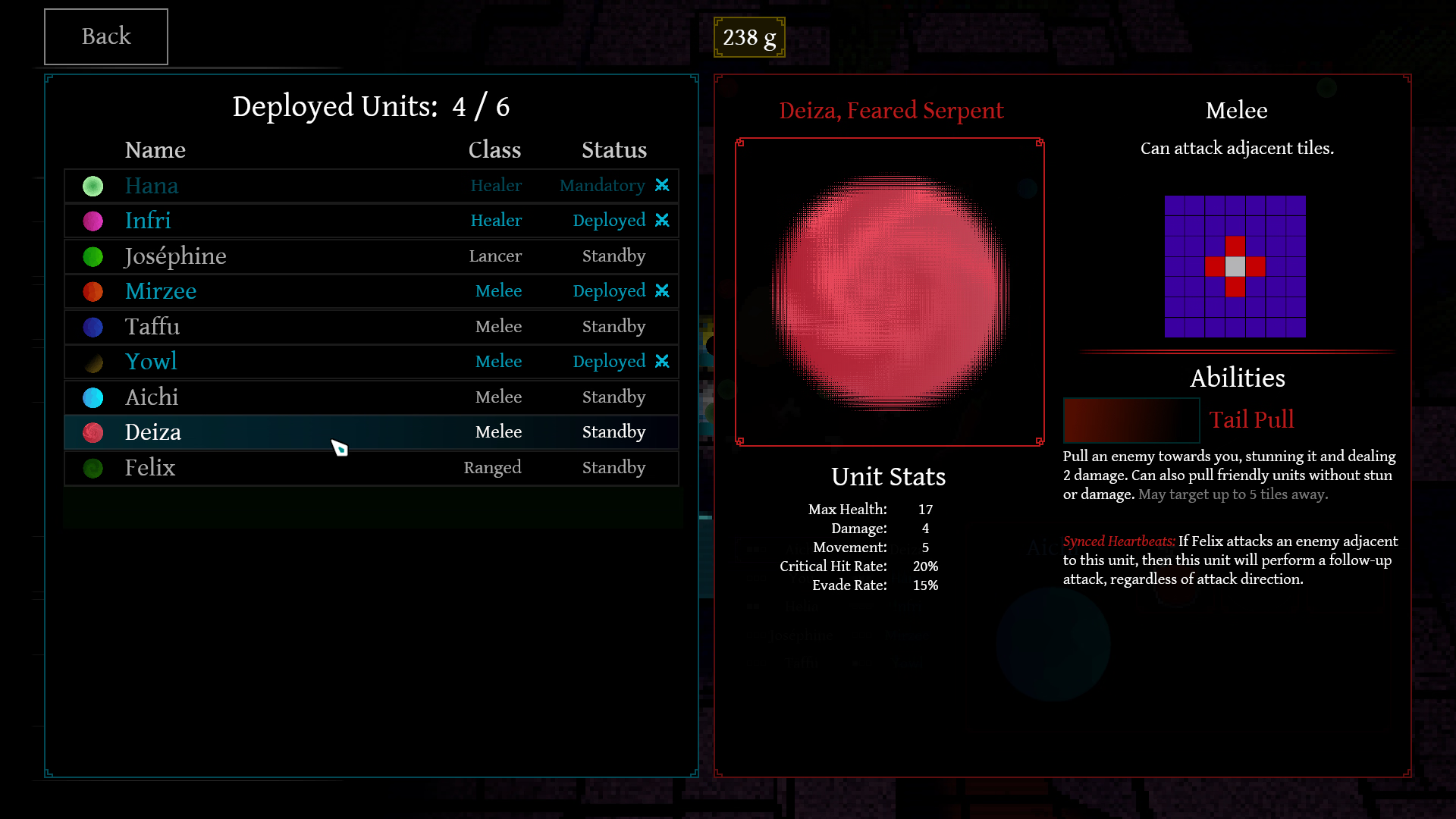
• Turn-based tactics battles (optional)!
• Think Fire Emblem, Triangle Strategy, Into The Breach
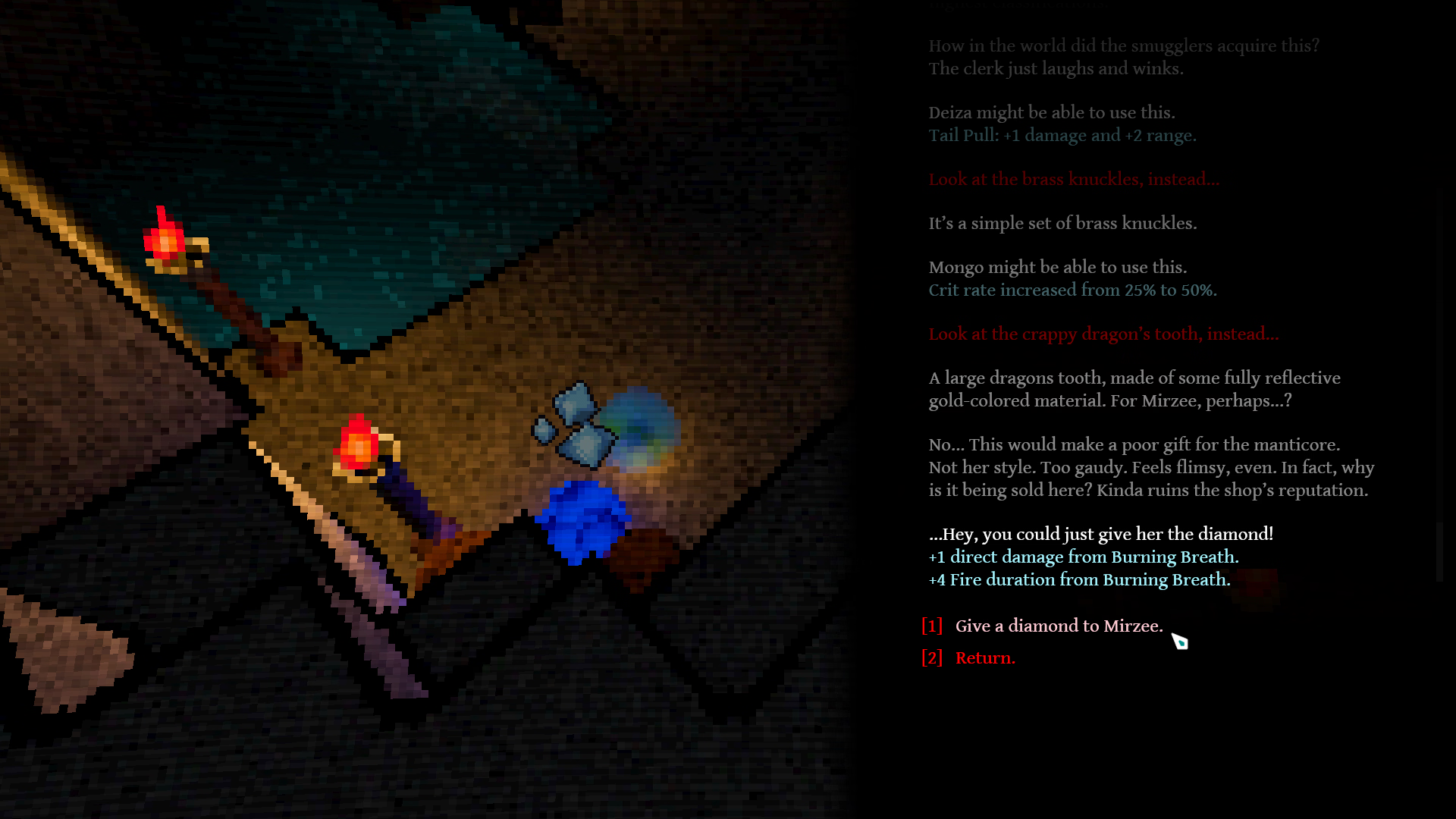
• Recruit your team, equip them with items, and form your strategy!
- Finishes Chapter 6
- Adds new performance options to the settings menu.
- My laptop (i7-6600U, integrated GPU) went from 5 fps to 58 fps in the first hub map.
- If you previously put the game down due to poor performance, please give it a try with this update’s performance settings!
- Improved “Brightness” setting (now illuminates dark areas more).
- If you’re updating from an older game version, you must change and apply settings for it to take effect.
- If you’re updating from an older game version, you must change and apply settings for it to take effect.
- Optimize: Better performance on hub maps (i.e. not battles).
- On my PC, I gained +13.8% FPS on the biggest map, but it depends on map size and PC bottlenecks.
- On my PC, I gained +13.8% FPS on the biggest map, but it depends on map size and PC bottlenecks.
- Polish: Can now exit menus via right-click (in addition to Escape and the “back” button)
- Polish: Save/Load menu now starts on the page with your latest save
- Fix: Could softlock in Chapter 5 event under certain branching conditions
- Fix: A certain character could be killed in a battle where that shouldn’t be possible
- Fix: Misleading “end chapter” on a choice
- “Screenshake” slider now affects the red pulse/zoom effect in certain events
- Change setting “Skip Seen Interludes” to be enabled by default. (Existing players won’t have their settings changed)
- Add toggle-sprint option (as opposed to hold-to-sprint). Settings -> Controls -> Hub -> “Enable Toggle Sprint”
- Fix: crash to desktop after finishing the intro cutscene
- It was caused by the game failing to acquire your system’s timezone when autosaving
- I have no clue why that failed. According to the time library I’m using, this operation should never fail (I am now using a different time library for this).
- Also, once you view the intro cutscene, you can now skip the intro when starting another new game
- It was caused by the game failing to acquire your system’s timezone when autosaving
- Adds the first part of Chapter 6
- Add setting to skip mission-travel transitions
- Fix crash upon using items that were half-equipped as a result of save file editing
- Fix UI sometimes breaking if Mongo dies
- Fix crashing on startup if [ICODE]persistent_data.json[/ICODE] has been corrupted (due to e.g. crashing or closing while saving)
- If it’s corrupted, you’ll be asked if you want to reset the file. Doing so will let you launch the game, but you’ll lose certain data: memory scene unlock progress, achievement progress, and seen texts for ‘Skip Unseen Text’.
- From now on, I back up the file every time you exit the game. If the original is corrupted, I’ll try restoring from the backup as an alternative to resetting it.
- Updated Linux build with a smol fix. Not worth a version bump
- Adds all of Chapter 5
- Fixed some locations where players can get stuck in a wall (and not in the lewd way)
- Crashes: made another quick patch to the engine in an attempt to reduce sporadic GPU-related crashes
- Also disabled (unused) engine code for gamepad controllers, to try to fix odd rare crashes involving that
- Fix: text scroll/fade speed was slower than intended if your FPS was below 60 (it got slower the lower your fps was)
- Improved how text fades in when a line is replaced/appended to
- Adds the rest of Chapter 4
- Added setting to auto-skip interludes (mission-travel transitions and epigraphs) if you’ve already seen them
- Crashes: Game will attempt to automatically recover from certain types of sporadic GPU-related crashes
- Not a tested fix, since I can’t recreate this issue on my own machine
- To avoid toothy tragedy, Injured units will now heal after Hana’s night crawl encounter in Chapter 1
- Fix: Certain reinforcements could spawn after you had already won a battle
- No longer need to jump to walk up the stairs in the caves (added invisible ramps)
- Fixed Fast-Forward Mode speeding up the map playtime timer and messing up the “Time Elapsed” display upon winning a battle
- Hotfix update
- Fixes the horribly broken UI on non-16:9 resolutions
- Fixes the text scrolling out of bounds more and more as you progress through events
- Playable from the start up to ~50% through Chapter 4.
- CPU – Intel Core i5-4460 (or equivalent/better)
- GPU – NVIDIA GeForce GTX 950 (or equivalent/better)
- CPU – Intel Core i7-3820 (or equivalent/better)
- GPU – NVIDIA GeForce GTX 1060 (or equivalent/better)
- For example, a NVIDIA GeForce RTX 3060 Ti (or equivalent/better)
- Some systems (~2% of F95 players) experience intermittent crashes.
- The weaker your GPU, the more likely your hardware setup is to have issues.
- Nobody with a GPU scoring a Passmark G3D Mark of 20,000 or higher on this ranking has experienced such crashes.
- Some systems (~2% of F95 players) experience intermittent crashes.
- Make sure you extract the game archive before running.
- Make sure the game has permission to create files on your disk.
- This could be related to AMD hardware. Lautheron got it to launch by disabling AMD Radeon Graphics (APU), running the game, and then re-enabling CPU graphics.
- Try toggling performance settings: In-game, go to the Settings menu, then click the “Graphics” category tab, then click the “Performance” sub-category tab.
- Disabling “Volumetric Lighting” and “Shadows” makes a large difference.
- Enabling “Pixel-Performance Mode” also helps a lot.
After changing and applying this setting, make sure to restart your game, or it won’t take effect.
- Disabling “Volumetric Lighting” and “Shadows” makes a large difference.
- If these are not enough, there are secret potato-mode settings, which you may experiment with by editing a config file.See More
Some of these may improve your performance notably, but at a cost to visuals.To edit these, exit the game and edit the [ICODE]assets/settings.cfg[/ICODE] file in your game’s installation.
It is a JSON file; please make sure to adhere to proper JSON specifications (e.g. don’t forget the comma at the end of non-trailing lines).- [ICODE]enable_post_processing_in_low_res_mode[/ICODE] — Set to [ICODE]false[/ICODE] to disable the post-processing shader.
- [ICODE]enable_particles[/ICODE] — Set to [ICODE]true[/ICODE] to disable map particles.
- [ICODE]potato_mode_remove_water[/ICODE] — Set to [ICODE]true[/ICODE] to remove all water shaders (the flat water in Oubliette, as well as the more expensive ocean shaders in the background of e.g. Friffum).
- [ICODE]potato_mode_lights[/ICODE] — Set to [ICODE]true[/ICODE] to remove all point lights. Drastically affects visuals.
- [ICODE]potato_mode_remove_all_mesh_decos[/ICODE] — Set to [ICODE]true[/ICODE] to remove all point lights. Drastically affects visuals. And by “affects visuals”, I mean, deletes all visuals, so the maps are just empty. Kind of unplayable.
- [ICODE]use_fixed_rate_physics[/ICODE] — Set to [ICODE]true[/ICODE] to run player movement in the hub to 60fps. Fixes issues that occur at low FPS (levitation, phasing through walls, jittering). Reduces smoothness if your framerate and monitor refresh rate are above 60Hz. May cause other small bugs.
- [ICODE]enable_post_processing_in_low_res_mode[/ICODE] — Set to [ICODE]false[/ICODE] to disable the post-processing shader.
- If you have a very low framerate (under 10 FPS), your PC may not be powerful enough to run the game.
- You may be able to mitigate the issue by changing some settings. Please refer to “I have a low framerate/FPS.” above.
- About ~2% of hardware setups sporadically crash due to rendering errors.
It only occurs on systems with a GPU scoring less than a 20,000 Passmark G3D Mark ranking.- Try updating your GPU drivers (or downgrading them).
If a specific driver version fixes it, please leave a comment sharing the info for others!
- Unfortunately, I won’t (can’t) do anything else about this before the full release. See here.See More
Players on systems with these drivers have experienced rendering-error crashes.
These drivers are not necessarily the cause of the issue; there are systems with these drivers that do not crash.
The “crash ratio” measures how disproportionately likely systems with this driver are to crash.AMD
- 23.20.15016.15
- 31.0.21925.1001
- 32.0.15.5597
AMD Proprietary Driver
- 26.1.1 (AMD proprietary shader compiler) crash ratio: 10.8x
- 26.3.1 (AMD proprietary shader compiler) crash ratio: 16.2x
- 26.5.2 (LLPC) crash ratio: 16.2x
- 26.8.1 (AMD proprietary shader compiler) crash ratio: 4.2x
- 26.8.1 (LLPC) crash ratio: 0.9x
Intel Corporation
- 101.7026
- 101.8132 crash ratio: 16.2x
NVIDIA
- 582.28 crash ratio: 5.4x
- 582.66 crash ratio: 2.2x
- 592.00
- 596.36 crash ratio: 2.5x
- 610.57.04 crash ratio: 8.1x
- 616.56 crash ratio: 1.2x
- 23.20.15016.15
- Try updating your GPU drivers (or downgrading them).
- Please feel free to leave a comment on this thread, or email me at f95@minolione.com


It will be fully censored/SFW, but a free offsite uncensor patch will be made available.
DOWNLOAD
Win: PIXELDRAIN – PROTONDRIVE – MEGA
Linux: PIXELDRAIN – PROTONDRIVE – MEGA
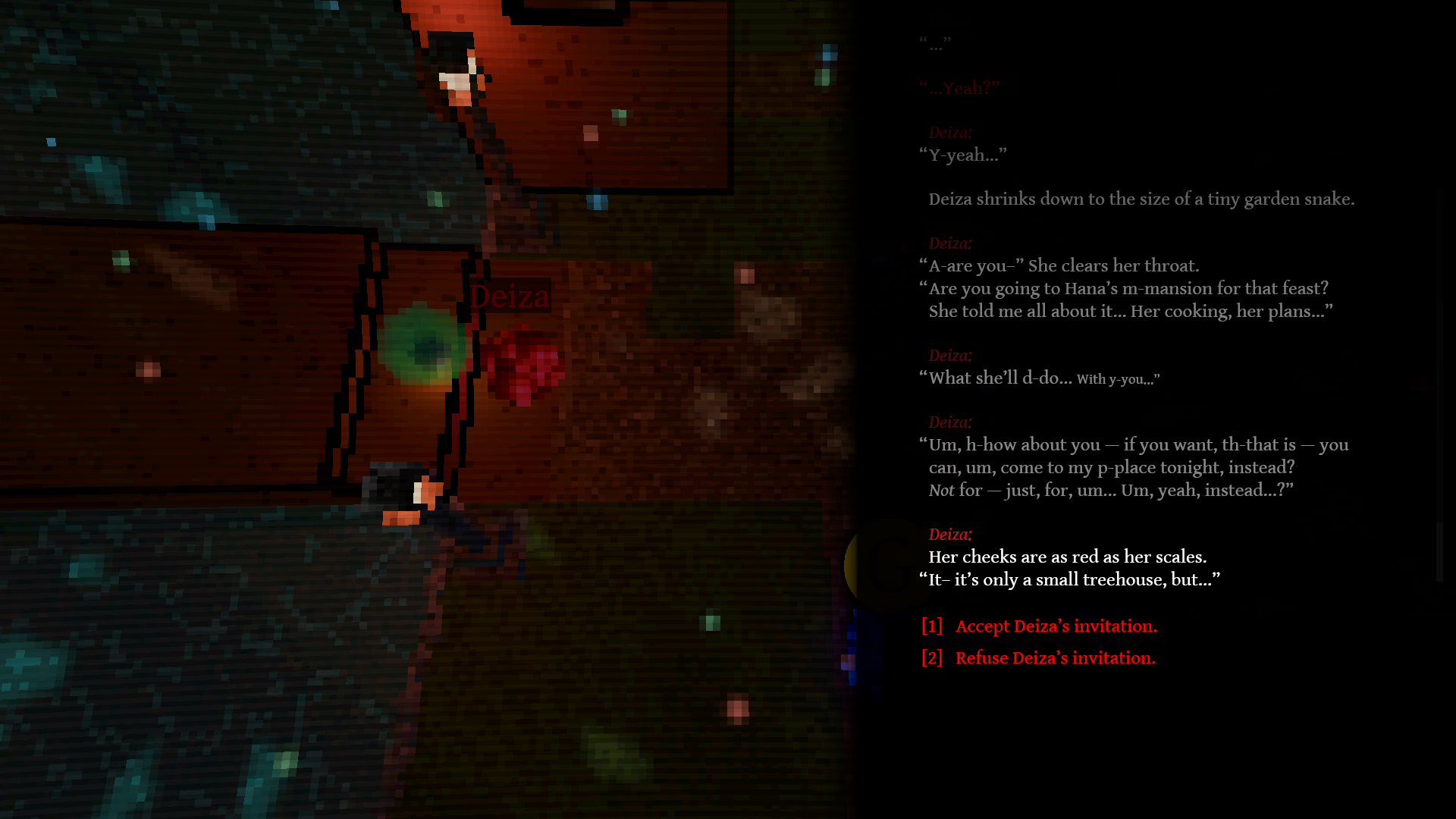
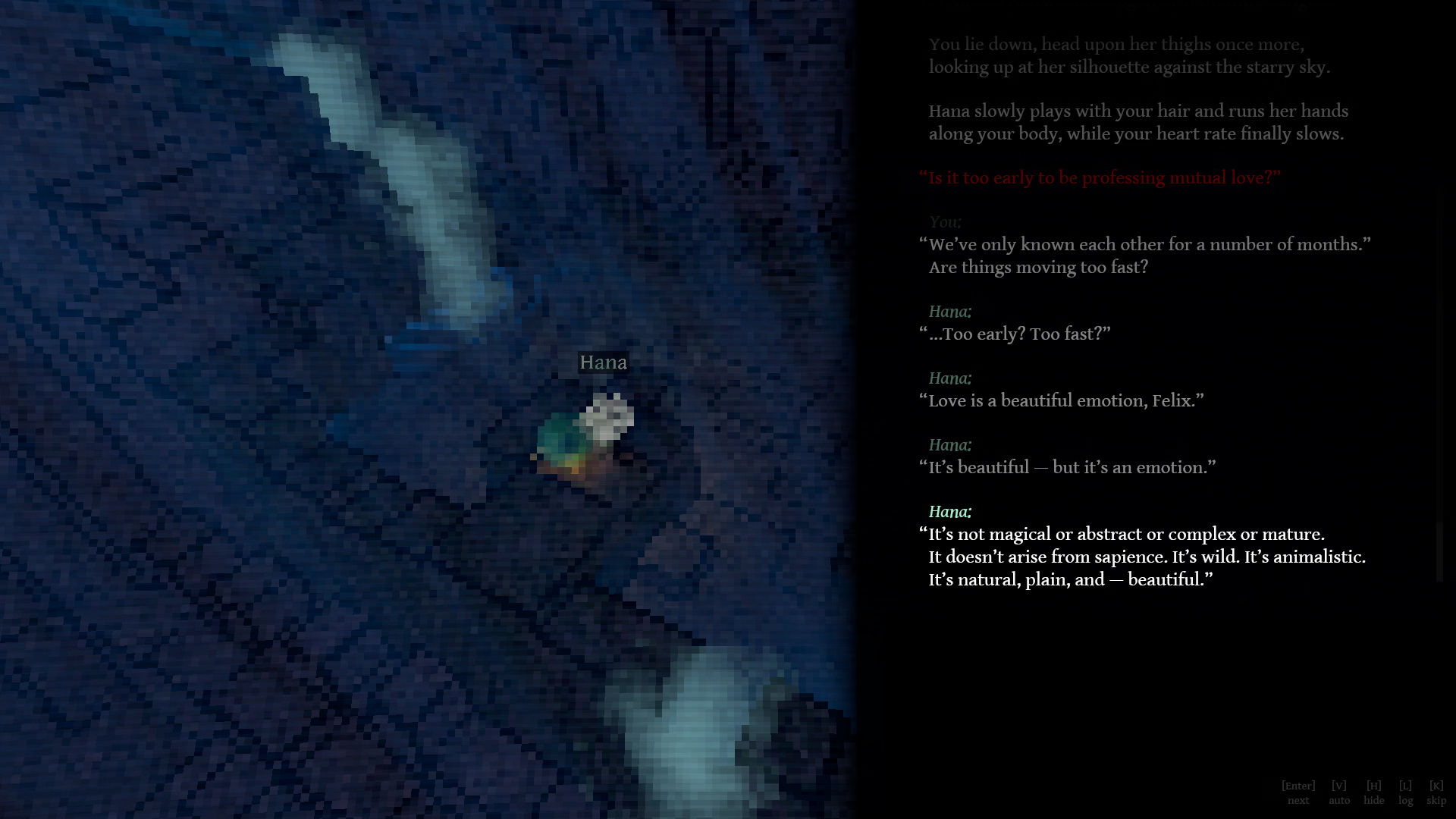
![Ludus Master [v2.1] [Mike Velesk]](https://hornygames.to/wp-content/uploads/2026/09/4916564_lm_screen01.avif)
![BlackJack & Hookups [v27] [OPsGayLover]](https://hornygames.to/wp-content/uploads/2026/09/5355725_cover_image.avif)
![Luna in the Tavern [v0.50] [TitDang]](https://hornygames.to/wp-content/uploads/2026/09/2192509_Cover.avif)
![Food&Fuck Truck! [v0.2.0] [Noone’s Games]](https://hornygames.to/wp-content/uploads/2026/09/6540507_demo-out-banner.avif)
![Magical Hellhound Lust [v1.0.2 In Heat] [Wataponno]](https://hornygames.to/wp-content/uploads/2026/09/6340967_Cover.avif)
![Motto! Haramase! Honoo no Oppai Isekai Oppai Spy Gakuen! [v1.00] [Milk Factory]](https://hornygames.to/wp-content/uploads/2026/09/6342810_cover.avif)
![Pinked and Owned [v0.4 LOCKED] [PinkedAndOwned]](https://hornygames.to/wp-content/uploads/2026/09/5967829_00_cover_banner.avif)
![Kisaku: Animated [Final] [ELF]](https://hornygames.to/wp-content/uploads/2026/09/6537899_1790533390712.avif)
![The Shrine Where the Cat Gods Dwell [Final] [Black Camellia]](https://hornygames.to/wp-content/uploads/2026/09/6536713_01.avif)
![Formamorph [v3.0.0] [Jake James]](https://hornygames.to/wp-content/uploads/2026/09/6476909_4-alt.avif)
![Lewd Elevator [v0.2.3] [Fleshforge Studio]](https://hornygames.to/wp-content/uploads/2026/09/6417374_New_Banner-600x160.gif)
![Millhaven [v0.10.28] [Suckulent Games]](https://hornygames.to/wp-content/uploads/2026/09/6507800_header-1920x540-1.avif)
![Gods and Champions [v0.1] [Crown Clown]](https://hornygames.to/wp-content/uploads/2026/10/4285993_1732322872844.avif)